
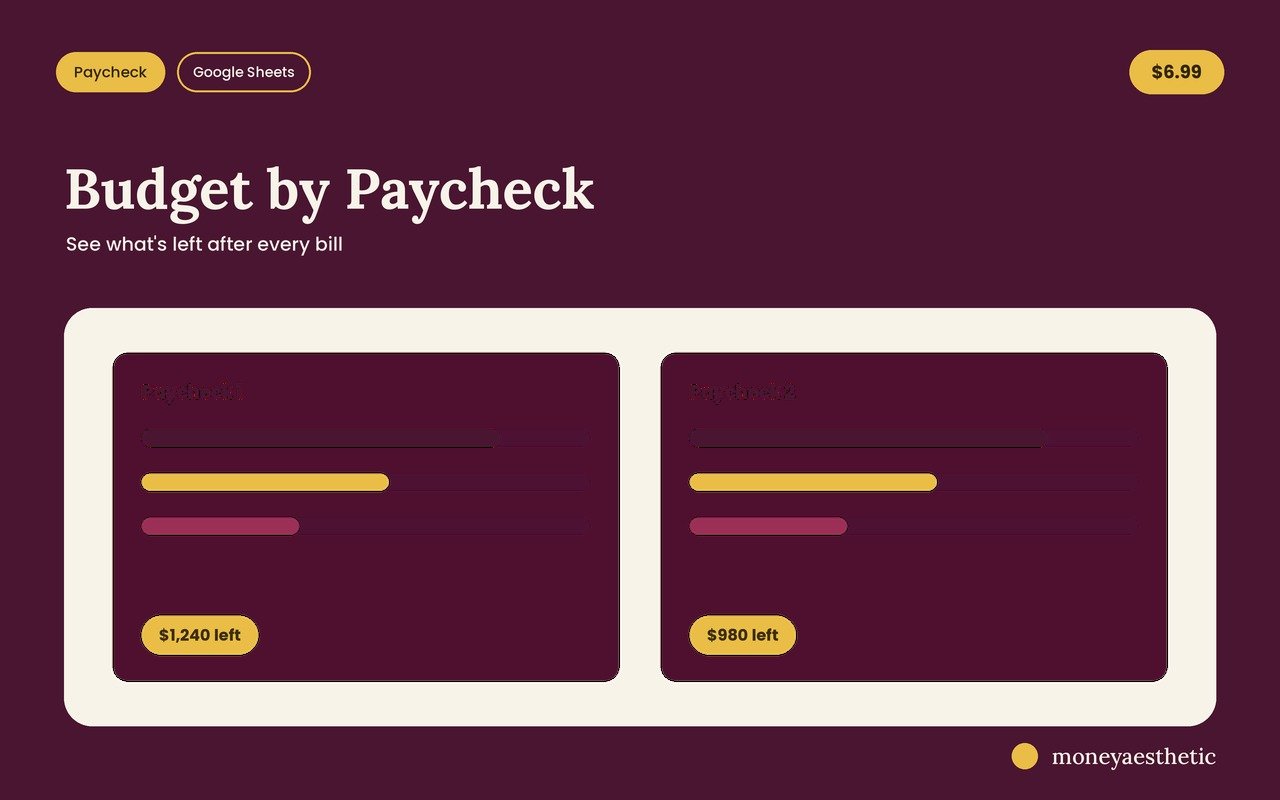
Budget by Paycheck Spreadsheet
A paycheck budget planner for Google Sheets, built for biweekly, weekly and semi-monthly pay. It turns weekly, biweekly or semi-monthly pay into one monthly budget and shows exactly what’s left after your bills, so you stop running out before the next payday.
Take a look inside
The actual product — here’s what you get.
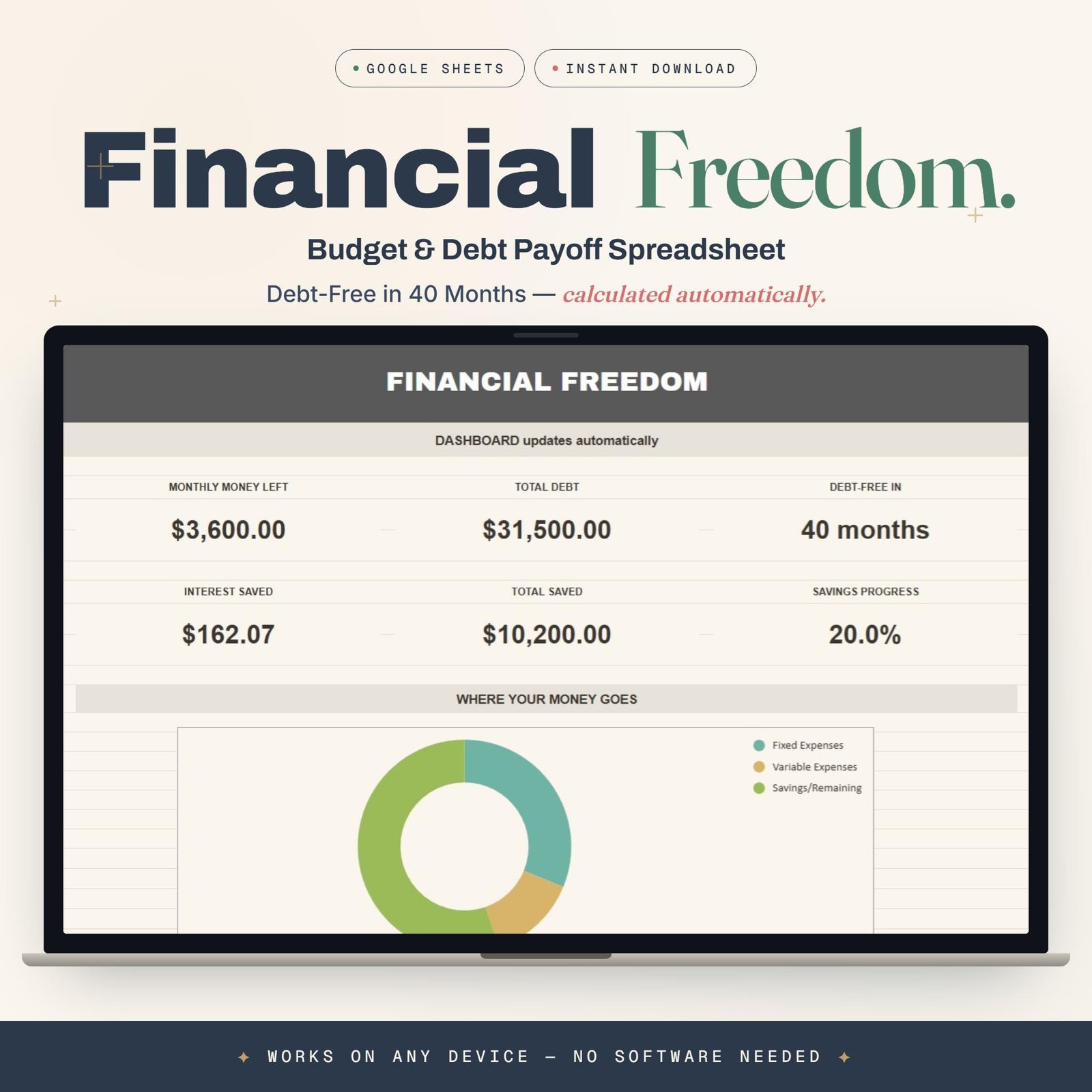
Your money on one calm screen
Money left, total saved, and exactly where it went — the dashboard updates itself the second you type a number. Open it and you just know where you stand.
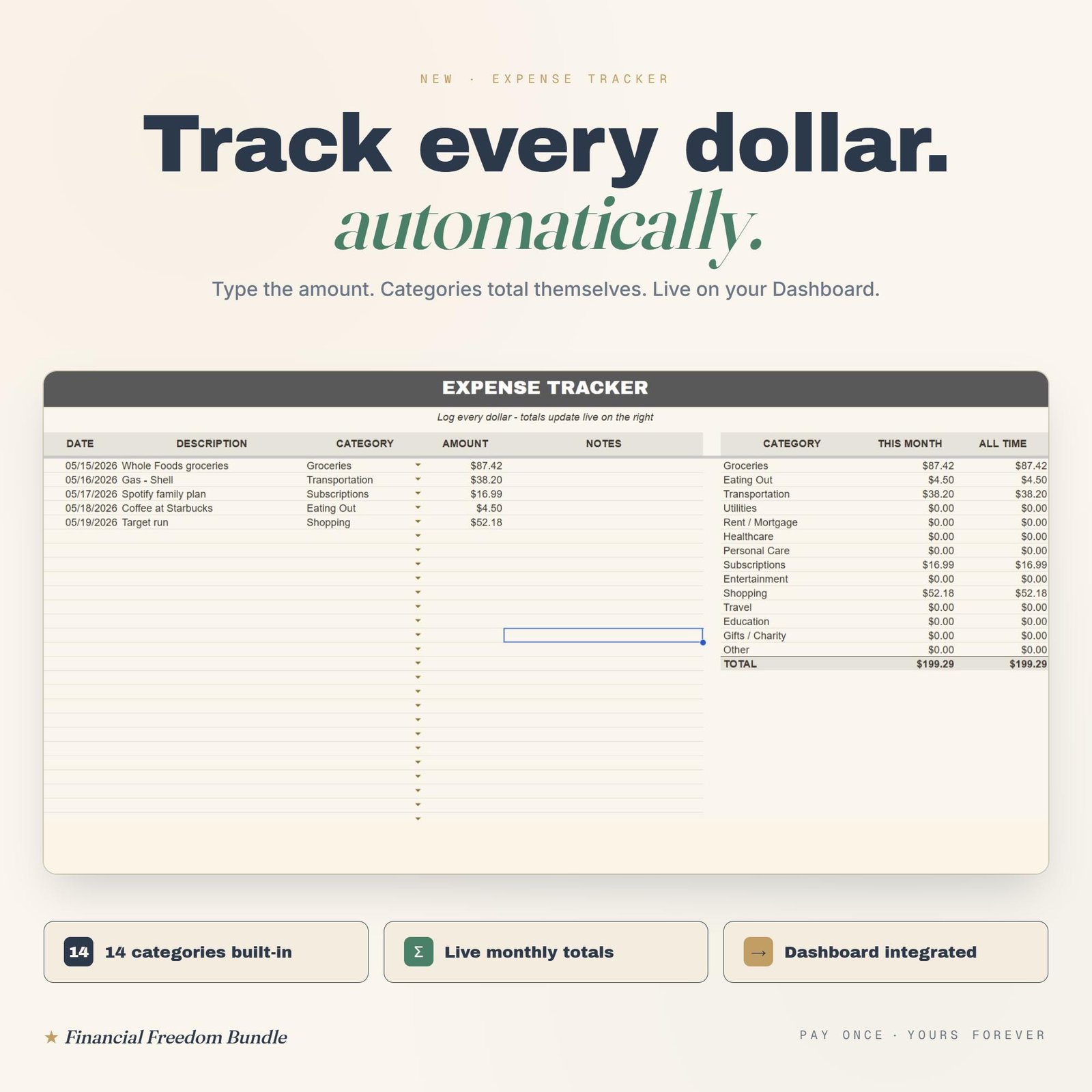
Track every dollar, automatically
Drop in a purchase and your categories total themselves, live. Fourteen categories built in, so you catch the little leaks before they sink the month.
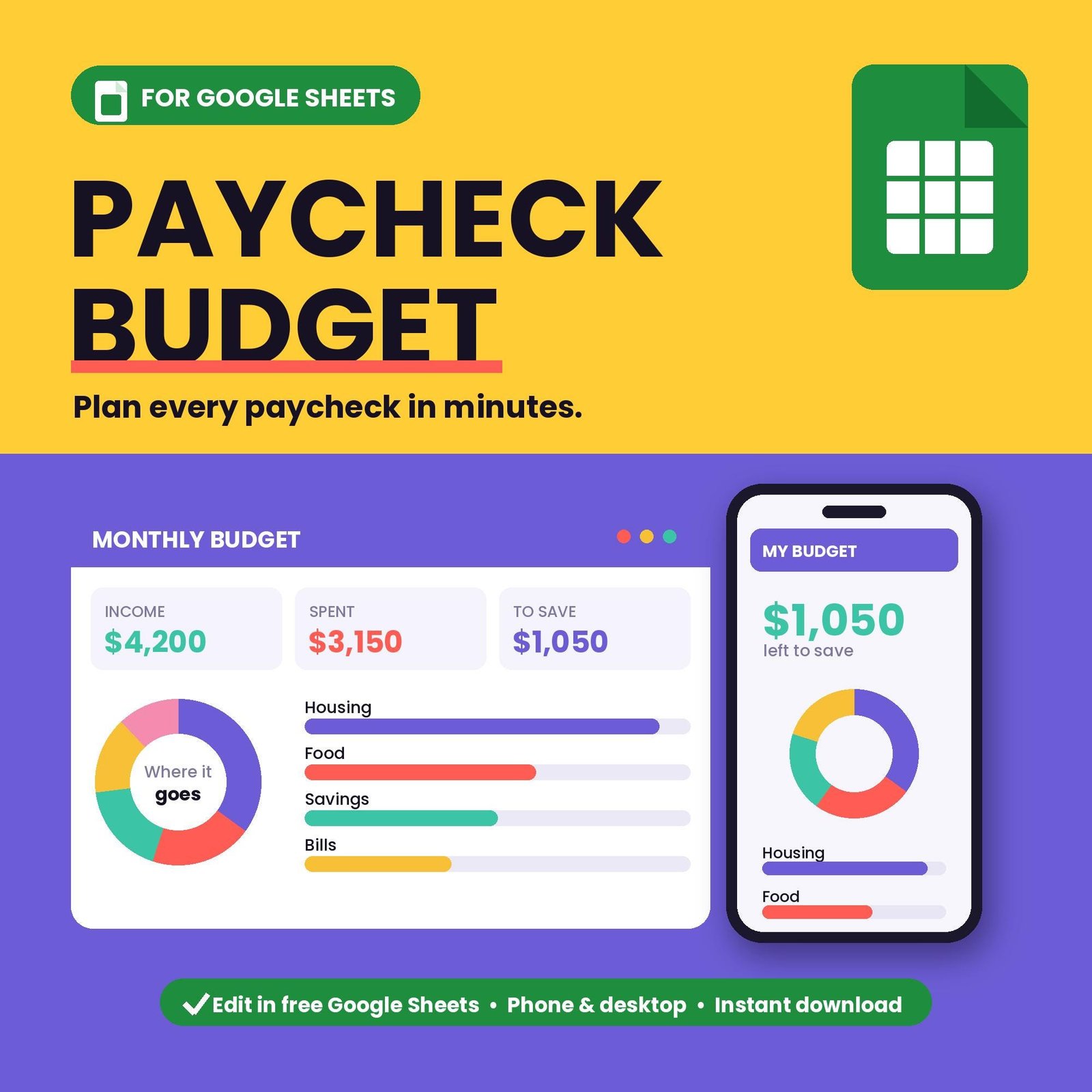
Built around how you get paid
See what’s safe to spend and what’s left to save after your bills — on your phone or laptop, free in Google Sheets. No more “wait, can I afford this?”
What’s inside
Built for how you actually get paid.
Budget vs. actual
Fixed and variable expenses, planned next to what you really spent.
What’s left
See exactly what remains after your bills, instantly.
Auto-calculating
Type your numbers; balances update themselves.
Any pay schedule
Weekly, biweekly, semi-monthly or monthly pay, converted to one monthly figure.
Bill calendar
Due dates, Paid or Upcoming status, and what’s still owed this month.
Free updates
Every future improvement is yours, free.
How it works
Get it
One click on Gumroad — instant access.
Make a copy
Open the link and choose “Make a copy” to your Drive.
Add your bills
Add your bills to the calendar and see what’s left for the month.
Why paycheck budgeters love it
The small wins that make it worth every penny.
“I finally know what’s left after the bills.” Every bill sits on one calendar with its due date and a Paid or Upcoming status, instead of floating somewhere in the month. The guessing is what made budgeting feel bad, and the guessing is gone.
“The number I actually check is ‘what’s left’.” One figure at the top tells you what is safe to spend before the next check lands. You stop opening your banking app to do mental math at the grocery store.
“Biweekly pay stops breaking the budget.” Monthly budgets quietly assume twelve even months. Twenty-six paychecks do not divide that way, so this sheet converts biweekly pay into a monthly figure that matches what actually lands.
“The extra paychecks finally count.” Two months a year you get an extra check. Biweekly pay is converted at ×2.17, so those checks are already in your monthly number and go to savings or a debt payment instead of quietly evaporating.
“Irregular income finally fits somewhere.” You enter what actually arrived rather than what you hoped would arrive. Nothing breaks when a check is late or smaller than usual.
“No formulas, no setup weekend.” You type numbers into coloured boxes and every total recalculates on its own. There is nothing to build and nothing to maintain.
“Eight tabs, but nothing to learn.” Each tab does one job: budget, expenses, debt, bills, savings goals, and a dashboard that pulls it all together. Setup is about five minutes.
“Cheaper than one overdraft fee.” It costs less than a single overdraft charge, and knowing what is left before payday is exactly what stops those charges happening.
Built for biweekly, weekly and semi-monthly pay
Pick your pay schedule. The sheet handles the rest.
Biweekly, 26 checks
Every other Friday does not divide into twelve even months. This biweekly paycheck budget template converts your pay to a monthly figure (×2.17), so the two three-paycheck months are counted instead of forgotten.
Weekly, 52 checks
Smaller, more frequent checks mean bills land between paydays. Weekly pay is converted to a monthly figure (×4.33), so you budget against the whole month instead of one check.
Semi-monthly and irregular
Paid on the 1st and 15th, or paid whenever the work comes in? Enter what actually arrived. Nothing breaks when a check is late or smaller than expected.
New to this way of budgeting? Start with our guides on the biweekly budget template method, what a pay period is, and how to plan 3 paycheck months before they arrive. If payday keeps disappearing, how to stop living paycheck to paycheck is the place to begin.
FAQ
How do I get it after checkout?
You’ll get an instant link to the Google Sheet. Choose “File → Make a copy” to save your own editable version.
Does it work for biweekly / irregular pay?
Yes — weekly, biweekly, semi-monthly or irregular income all work.
What do I need to use it?
A free Google account. It runs in Google Sheets — no Excel or install needed.
Can I use it on my phone?
Yes, it works in the Google Sheets mobile app.
Do I get future updates?
Yes, every improvement is yours for free.
Can I get a refund?
All sales are final. This is an instant digital download, so once the file has been delivered it cannot be returned. If anything is wrong with your file or you cannot open it, use the contact form and it will be fixed.
More money templates
You might also like these.

Always know what’s left
Budget by paycheck. Yours in one click.