
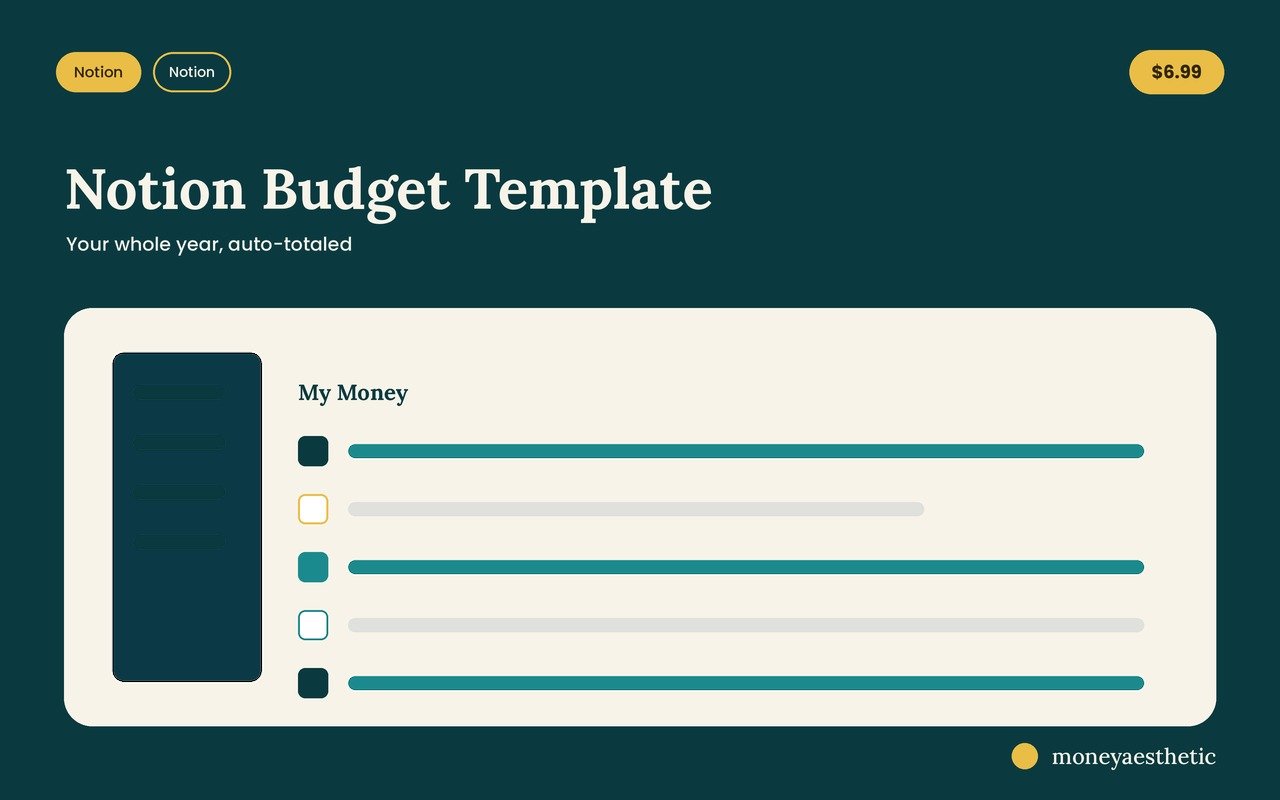
Notion Budget Template
An all-in-one Notion budget dashboard that auto-totals your income, expenses, savings and net worth — pretty enough to check every day.
Take a look inside
The actual product — here’s what you get.
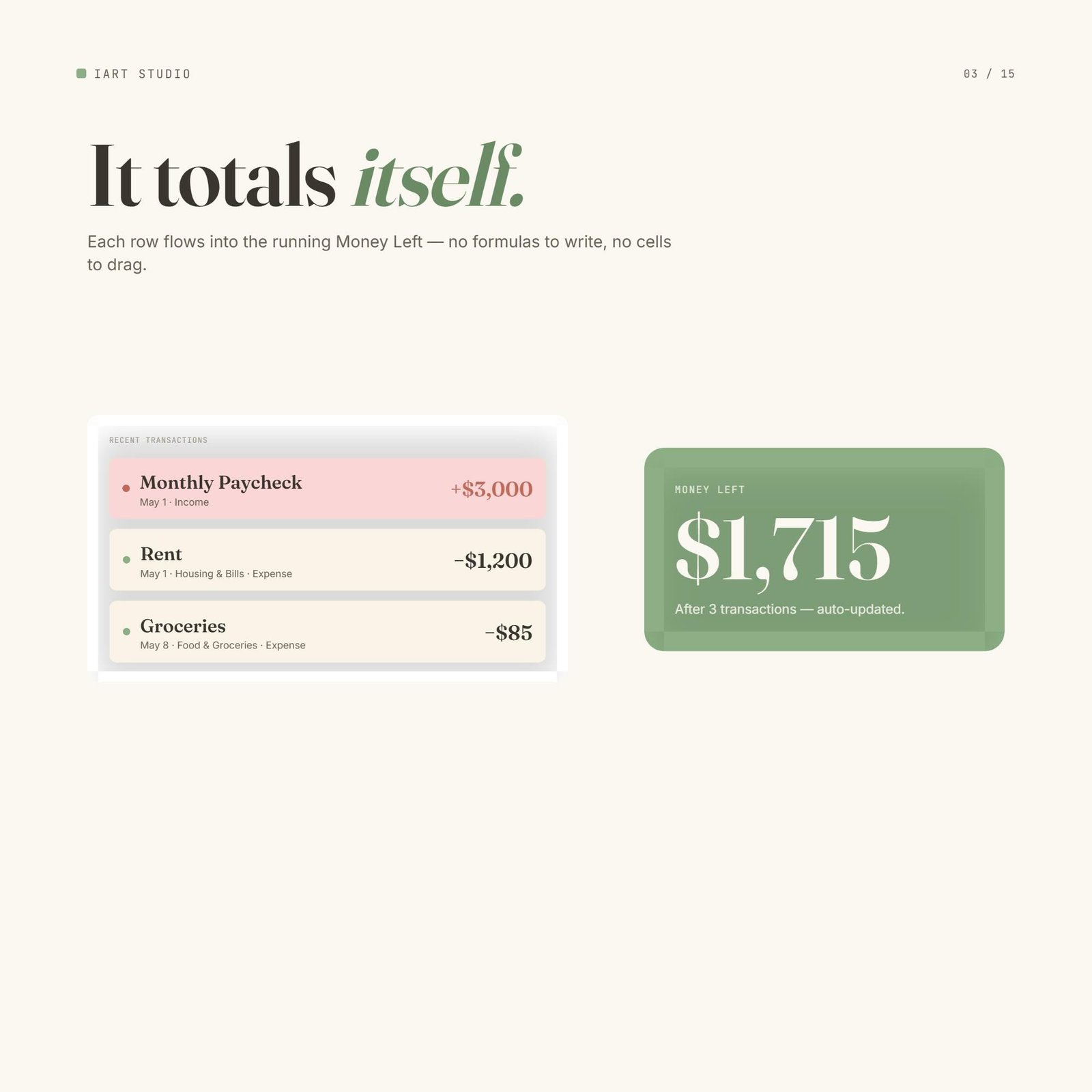
It adds up by itself
Log a paycheck or a coffee and your Money Left number updates instantly — no formulas to write, no cells to drag. The math just happens while you live your life.
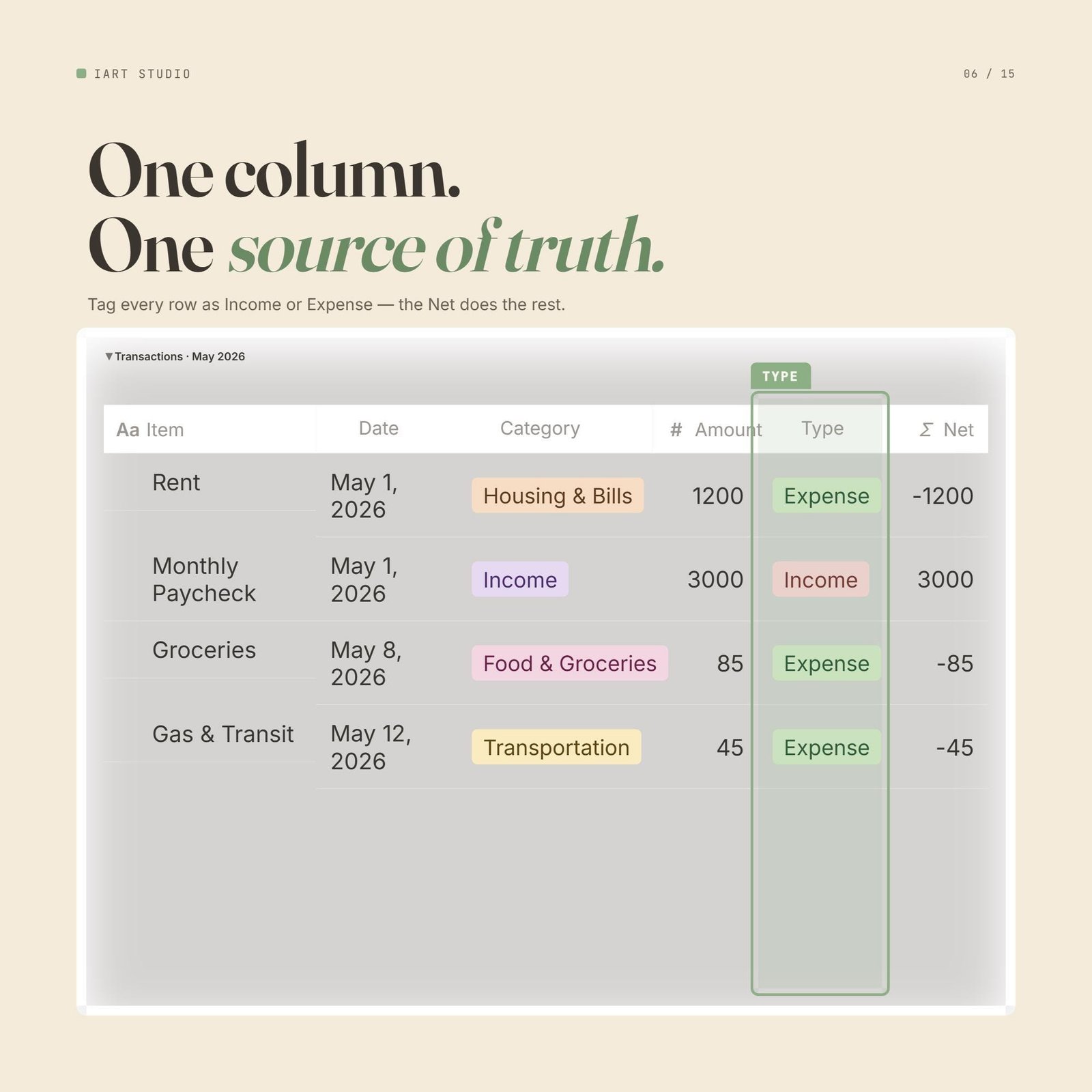
Every dollar, one clean table
Tag each row as income or expense and the running total does the rest. Your whole month lives in one simple, scrollable Notion database.
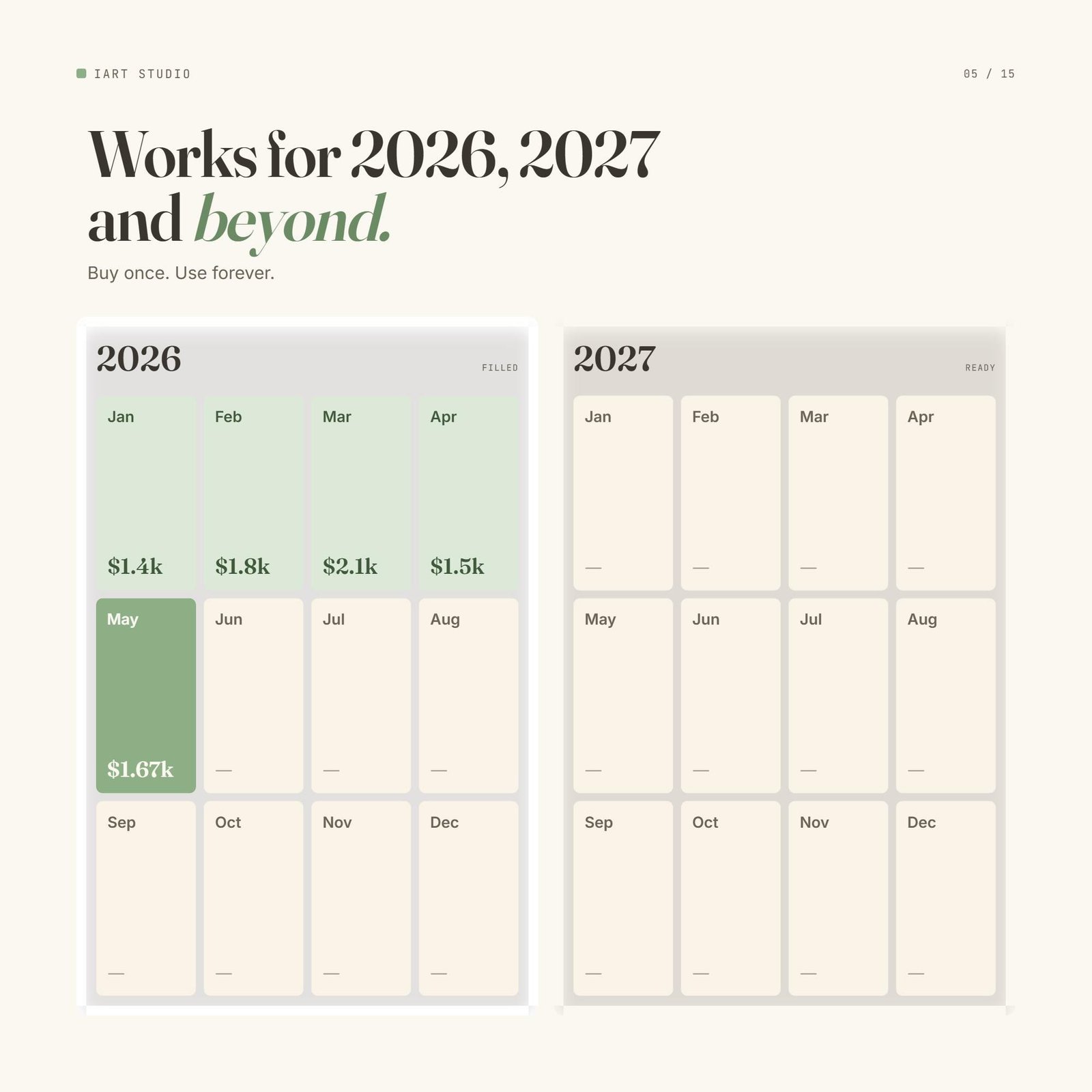
Buy once, use it for years
The layout works for 2026, 2027 and beyond — every month at a glance. You’ll never have to hunt for (or re-buy) a budget again.
What’s inside
Your whole money life in one calm Notion space.
All-in-one dashboard
Income, expenses, savings and net worth on one linked page.
Auto-totaling
Notion formulas add it all up — no manual math.
Income & expense logs
Tag and track every dollar in clean databases.
Savings & net worth
Watch your savings and net worth grow month over month.
Monthly + yearly
Roll-up views for the month and the whole year.
Free updates
Every future upgrade is yours, free.
How it works
Get it
One click on Gumroad — instant access.
Duplicate
Open the link and hit “Duplicate” into your Notion.
Start tracking
Type your numbers; the dashboard totals everything.
What buyers are saying
★★★★★ from happy budgeters
“It lives in my Notion sidebar now. First time everything money is actually in one place.”
“Duplicated it in two minutes. The net worth tracker is weirdly addictive.”
“I tried building my own Notion budget for months. This is just… done, and prettier.”
“The auto-totals mean I never do math. I just type and it updates.”
“Checked it every day for a month straight. Saved $620 without really trying.”
“Clean, minimal, no clutter. Exactly the Notion setup I wanted but couldn’t build.”
FAQ
How do I get it after checkout?
You’ll get an instant link to the Notion template. Open it and click “Duplicate” (top-right) to copy it into your own Notion workspace.
Do I need a paid Notion account?
No. A free Notion account works perfectly — on desktop and the mobile app.
Can I use it on my phone?
Yes, it works in the Notion mobile app so you can update on the go.
Is it really auto-calculating?
Yes — Notion formulas total your income, expenses and savings automatically.
Do I get future updates?
Yes, every improvement to the template is yours for free.
More money templates
You might also like these.
Your money, finally in one place
Instant Notion duplicate. Yours in one click.