
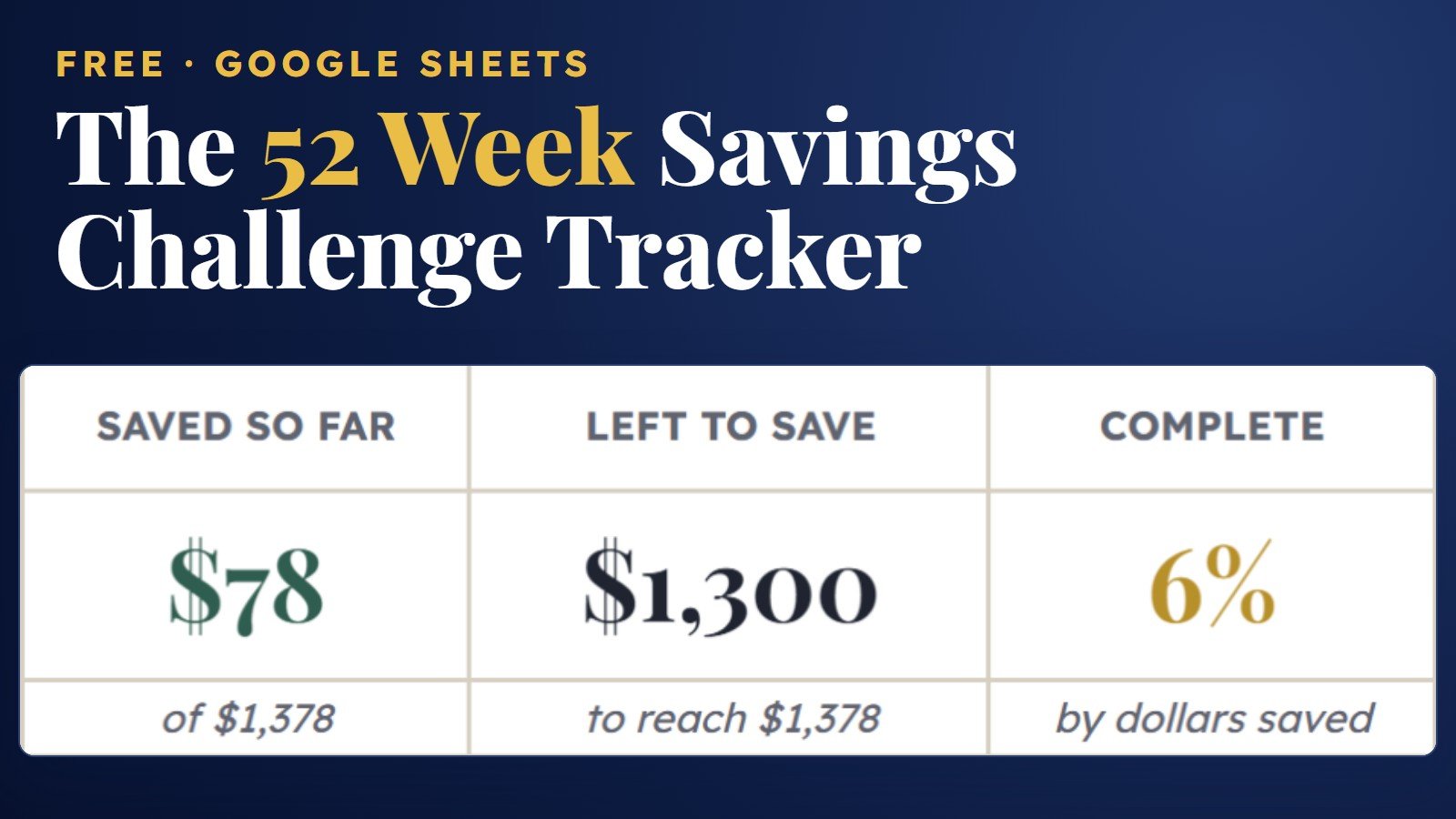
Free 52 Week Savings Challenge Tracker (Google Sheets)
A free 52 week savings challenge tracker for Google Sheets, set up for 2027. Every week is dated for you, from $1 in week 1 to $52 in week 52. Tick each week as you save, and the sheet shows what you’ve saved and what’s left to reach $1,378.
What is this free 52 week savings challenge tracker?
The 52 Week Savings Challenge Tracker is a free Google Sheets template for the challenge where you save $1 in week 1, $2 in week 2 and so on up to $52 in week 52, for $1,378 in total. You set a start date, tick each week as you save, and the sheet adds up your savings and progress. It costs $0, and Gumroad asks for your email (no credit card) to send the link.
| Price | $0 (an optional tip is welcome, never required) |
|---|---|
| Format | Google Sheets, with every formula already built |
| Weeks | 52 rows: week number, the date that week starts, the deposit, a checkbox and a running total |
| Deposits | $1 more each week: $1 in week 1, up to $52 in week 52 |
| Savings goal | $1,378 when all 52 weeks are ticked |
| Tabs | 2: Start Here guide and Tracker |
| Adds up for you | Saved so far, left to save, percent complete, weeks done and weeks left, plus a progress bar |
| Dates | Starts January 1, 2027 (change it any time); all 52 week dates follow |
| Works on | Desktop, tablet and phone with a free Google account |
| To get it | Type $0 at checkout and enter your email; no credit card is needed |
Take a look inside
The actual spreadsheet you’ll get, shown with the first 12 weeks ticked.
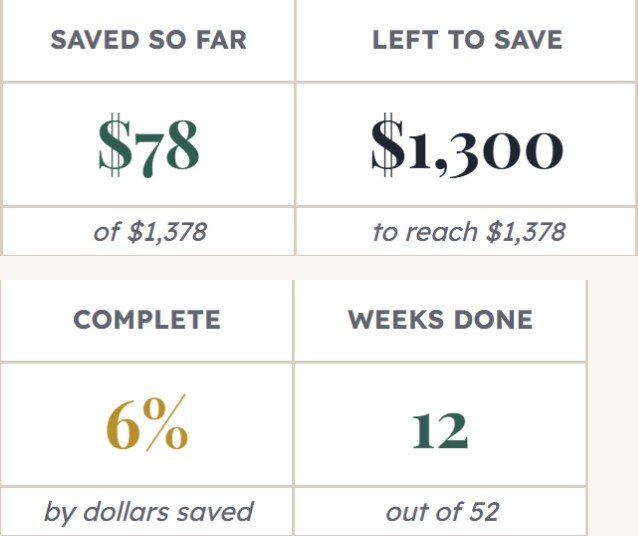
See your progress at the top
Cards add up what you’ve saved, what’s left to reach $1,378, your percent complete and how many weeks are done and still to go. The gold bar grows as you go.
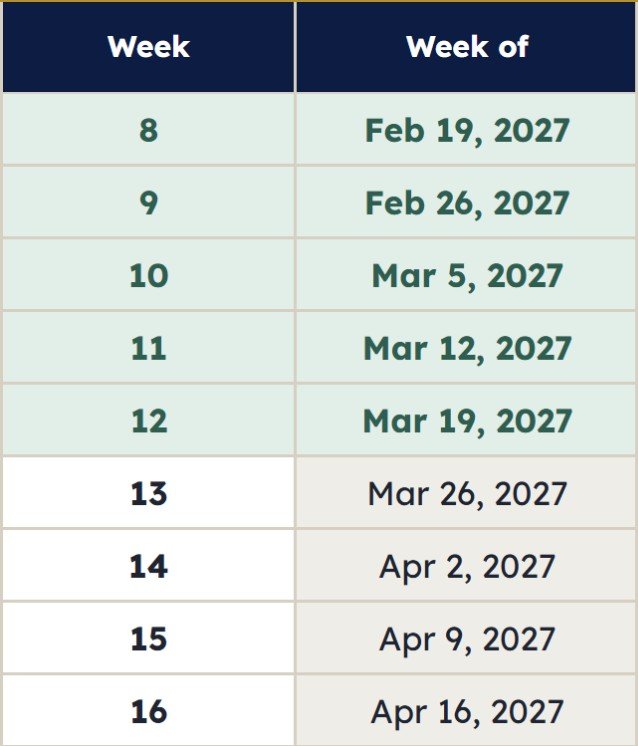
Every week dated for you
Pick one start date and all 52 weeks fill in with their date, that week’s deposit and a running total. Tick a week and its row turns green.
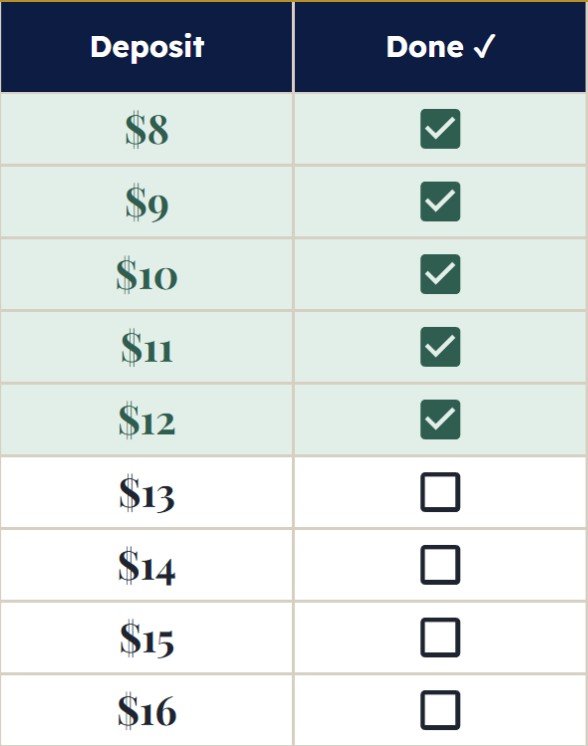
Missed a week? Tick it later
Leave a week’s box empty and tick it when you’ve caught up. The cards only count the weeks you tick.
What’s inside
Two tabs that do the counting for you.
52 dated weeks
Week number, start date, deposit, checkbox and running total for every week.
Saved so far
Adds up every ticked week, so you always know your total.
Left to save
Counts down to $1,378 and shows your percent complete.
Weeks done and left
See how many weeks you’ve ticked and how many are still to go.
2027 start date
Starts January 1, 2027 by default. Change it and every week’s date moves with it.
Start-here guide
A quick start (about 2 minutes) plus answers to common questions.
How it works
Get it free
Click the button and type $0 at checkout (or leave a coffee-sized tip). You get a PDF with your Google Sheets link right away.
Make a copy
Open the link to make your own copy. It saves to your Google Drive, and the checkboxes work there.
Save your first $1
Set your start date, move week 1’s $1 into savings and tick its box.
The Savings Challenge Tracker (also Google Sheets) holds 6 challenges: 52 week, biweekly, 100 envelope, 26 week, a custom goal and a 12-month no-spend calendar. Its 52 week tab lets you pick a $1, $2, $5 or $10 step and run it in reverse.
Why a tracker helps you finish
The small things that keep 52 weeks from stalling in March.
No more doing the math. The total adds itself up the moment you tick a week, so you always know where you stand.
Know this week’s amount. Every row shows its date and deposit, so there’s no counting which week you’re on.
Green means done. Ticked weeks change color, so the ones you still owe stand out at a glance.
Missed a week? Catch up later. Leave the box empty and tick it when you’ve made up the deposit. The cards only count what you’ve ticked.
The finish line stays in view. The gold bar and the left-to-save card show how close you are to $1,378.
Ready for January. The start date is set to January 1, 2027, so a New Year’s savings goal is one tick away. Change the date any time.
You don’t need to know spreadsheets. You pick one date from a calendar and click checkboxes. Every formula is already built.
Save together. Share your copy with a partner and you both see the same weeks from your phones.
FAQ
Is the 52 week savings challenge tracker really free?
Yes. Type $0 in the price box at checkout and it’s yours. If it helps, you can leave an optional tip of about the price of a coffee, but you never have to.
Do I need to enter my email?
Yes. Checkout runs through Gumroad, which asks for your email so it can send your download link. No credit card is needed when you choose $0.
How does the 52 week savings challenge work?
You save $1 in week 1, $2 in week 2 and $1 more every week after that, so week 52 is $52. Do all 52 weeks and you’ve saved $1,378. The tracker shows each week’s date and amount; tick the box when it’s in savings and the totals update.
Can I start on a date other than January 1?
Yes. Double-click the gold Start date cell, pick any day from the calendar, and all 52 week dates move with it, leap years included.
What if I miss a week?
Leave that week’s box empty and tick it when you’ve caught up. The cards count only the weeks you tick, so your totals stay accurate.
What do I actually receive?
An instant PDF download with a link to the Google Sheet. Click it to make your own copy, which saves to your Google Drive. You need a free Google account. The checkboxes only work in your own copy.
Does it work on my phone?
Yes. Make your copy in a browser first, then open it in the free Google Sheets app and tap a checkbox to tick it.
What’s the difference between the free and PRO versions?
The free tracker covers one challenge: the classic 52 weeks at $1 more each week. The Savings Challenge Tracker (PRO, $6.99, also Google Sheets) holds 6 challenges in one sheet (52 week, biweekly, 100 envelope, 26 week, a custom goal and a no-spend calendar) with a dashboard of your totals and your next deposit date and amount. Its 52 week tab lets you pick a $1, $2, $5 or $10 step and run it in reverse.
Can I get a refund?
The template itself is free. Optional tips go with an instant digital download, so all tips and purchases are final and refunds aren’t offered. If anything about your file doesn’t work as described, send a message through our contact form and we’ll help you get it sorted.
More savings challenge help
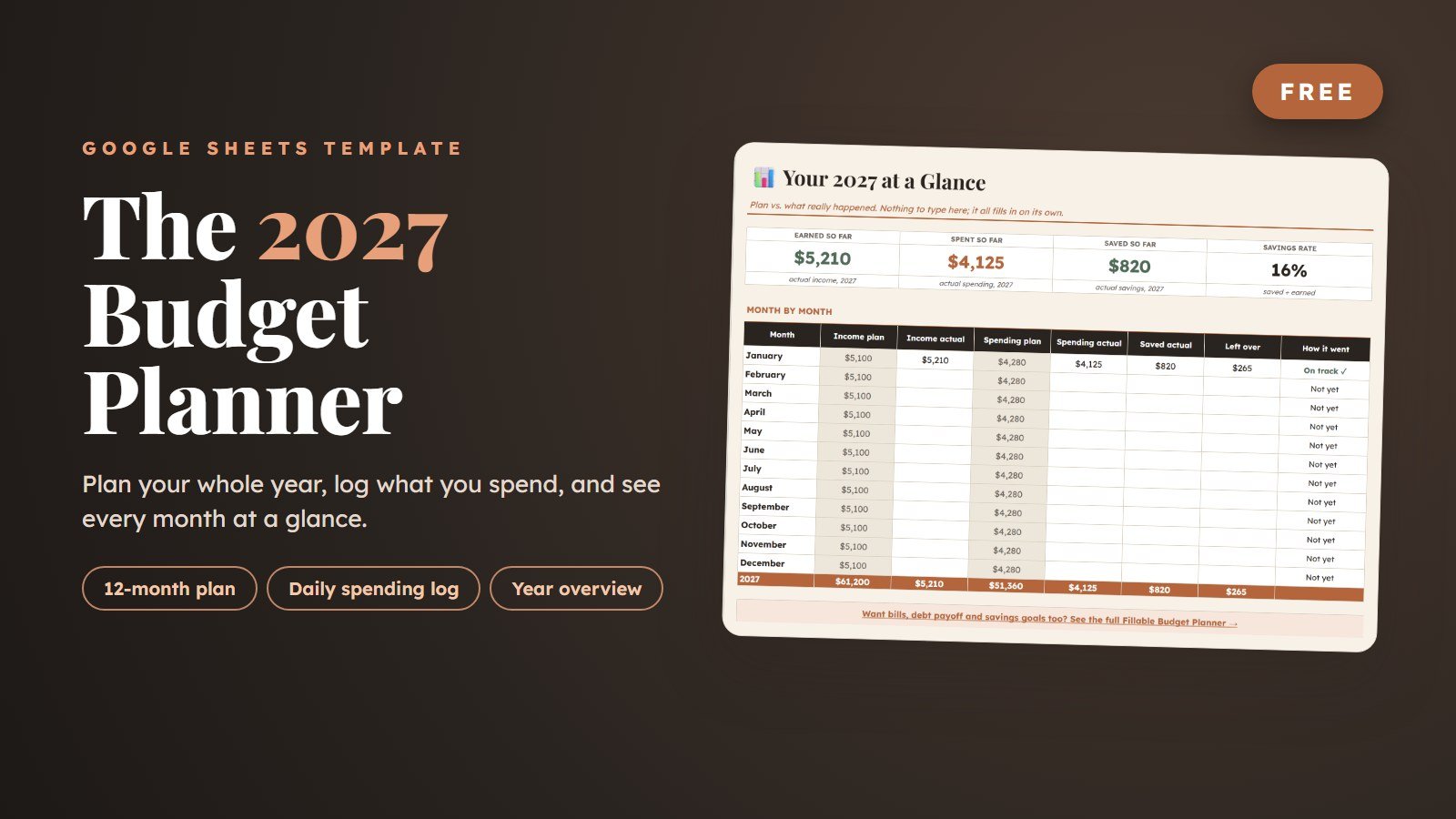
New to the challenge? Read our step-by-step guide to the 52-week savings challenge, or compare it with other savings challenge ideas. Prefer to fill envelopes in any order? Try the free 100 envelope challenge tracker. Planning your whole year? The free 2027 budget planner pairs well with it.
More money templates
Pair your 52 weeks with these.
Save your first $1
52 dated weeks, a progress bar and a 2027 start date in one Google Sheet. Free, and yours in a minute.
Get it free →