

Quick answer: A Notion finance tracker is a small set of linked databases that record what your money actually did, meaning account balances, debts, subscriptions, and net worth, instead of what you planned to spend. The New York Fed put total U.S. household debt at $18.8 trillion in its August 11, 2026 report. That side of your ledger is what a spending log doesn’t show you.
Here’s the thing few setup guides warn you about. You spend a Saturday building a gorgeous Notion setup: emoji icons, gallery views, a little progress bar that fills up. It is genuinely beautiful. And then somewhere around day nineteen you stop typing in the $4.75 coffee, and the whole thing quietly becomes a museum.
The fix isn’t more discipline. It’s tracking a different thing. Your budget already handles the plan. A finance tracker’s job is to tell you the truth about where you stand, and the truth lives in balances, not lattes.
Key takeaways
- A finance tracker answers “where do I stand?” A budget answers “what’s the plan?” You want both, but they are not the same page.
- The number that matters is net worth: everything you own minus everything you owe, written down once a month.
- Logging every transaction is a common reason Notion setups die. Balances take about five minutes a month.
- Notion is brilliant at showing you a trend. It is not great at math, so keep the calculating somewhere else.
What Does a Notion Finance Tracker Actually Track?
A Notion finance tracker holds four things: your account balances, your debts, your recurring subscriptions, and a monthly snapshot that turns the first two into net worth. Some people add a transaction log and savings goals. The core is those four, and a tracker built on them takes about five minutes a month to keep current.
That’s a different job from budgeting. A budget looks forward. It hands each dollar an assignment before the month starts. A tracker looks backward and sideways: it says this is your actual position today, including the credit card balance you have been politely not thinking about.
Plenty of people only build the forward half. Which is why you can follow a budget perfectly for six months and still have no idea whether you’re better off than you were in January.
If you want the forward half too, our Notion budget template guide covers that side in detail. This page is about the other half.
Why Does Tracking Balances Beat Logging Every Purchase?
Because balances move on their own and purchases don’t tell the whole story. Interest accrues, a subscription renews, an auto-loan payment lands. None of that shows up in a manual expense log unless you remember to type it. Balances reflect those changes without extra typing, and you only have to look once a month.
The scale of the invisible half is real. In the New York Fed’s Q2 2026 Household Debt and Credit Report, credit card balances rose $21 billion to $1.26 trillion while total household debt slipped slightly to $18.8 trillion, and auto loans climbed to $1.71 trillion. Those are quarterly moves in the debt column. A spending diary that only records what you swiped won’t show you those moves.
Then there’s the drift you technically approved. In its December 2025 Consumer Expenditures release, the Bureau of Labor Statistics found entertainment took 4.6 percent of the average household’s annual spending in 2024, roughly $3,600 a year. That category mixes one-off purchases like toys and sports equipment with recurring costs like club memberships and cable TV, and the recurring part is easy to stop noticing, one $11.99 renewal at a time.
This is also, honestly, where a pre-built setup helps. Our Notion budget template covers the budget side: a Transactions database that totals your Money Left, By Category and By Month views, a savings goals table, and a monthly bills checklist, already set up. Pair it with the tracker below and you have both halves.
How Do You Build a Notion Finance Tracker in About 30 Minutes?
Build it in this order and you’ll have something usable before your coffee goes cold. Three databases, one page, no formulas beyond a sum.
- List every account on paper first. Checking, savings, each credit card, car loan, student loans, retirement, the $340 in a Venmo balance. Yes, all of them. This is the part people skip and it’s the part that makes the number honest.
- Make an “Accounts” database. Four properties: name, type (asset or debt), current balance, last updated. That’s it. Resist the urge to add nine more.
- Add a “Monthly Snapshot” database. One row per month with three numbers: total assets, total debts, net worth. You will type these in by hand once a month and it takes about ninety seconds.
- Add a “Subscriptions” database. Name, monthly cost, renewal date, and a checkbox called “still using this?” The checkbox is the whole point.
- Put all three on one page and add a chart. A Notion chart view on the Monthly Snapshot database, net worth over time. The Free plan includes one chart, which is all this needs. This single line is what makes you come back.
Notice there’s no transaction database in that list. Add one later if you genuinely want it, and if you do, keep it to three fields: date, amount, category. The how to track expenses guide has a version that survives past week three.
Which Numbers Belong in Each Database?
Here’s the whole system on one screen. If a database isn’t on this list, you probably don’t need it in month one.
| Database | What goes in it | How often you touch it | Why it earns its spot |
|---|---|---|---|
| Accounts | Every bank, card, loan, and investment balance | Once a month | It’s where your net worth number comes from |
| Monthly Snapshot | One row per month: assets, debts, net worth | 90 seconds, once a month | The trend line that tells you if any of this is working |
| Subscriptions | Name, cost, renewal date, “still using it?” | Once a quarter | Finds the charges you forgot you agreed to |
| Goals | Target amount, deadline, saved so far | Once a month | Turns “save more” into a number with a date |
| Transactions (optional) | Date, amount, category: three fields, nothing else | Whenever you feel like it | Catches the categories that quietly grew |
Five databases, and only three of them need monthly attention. That’s a version you can realistically keep up through March.
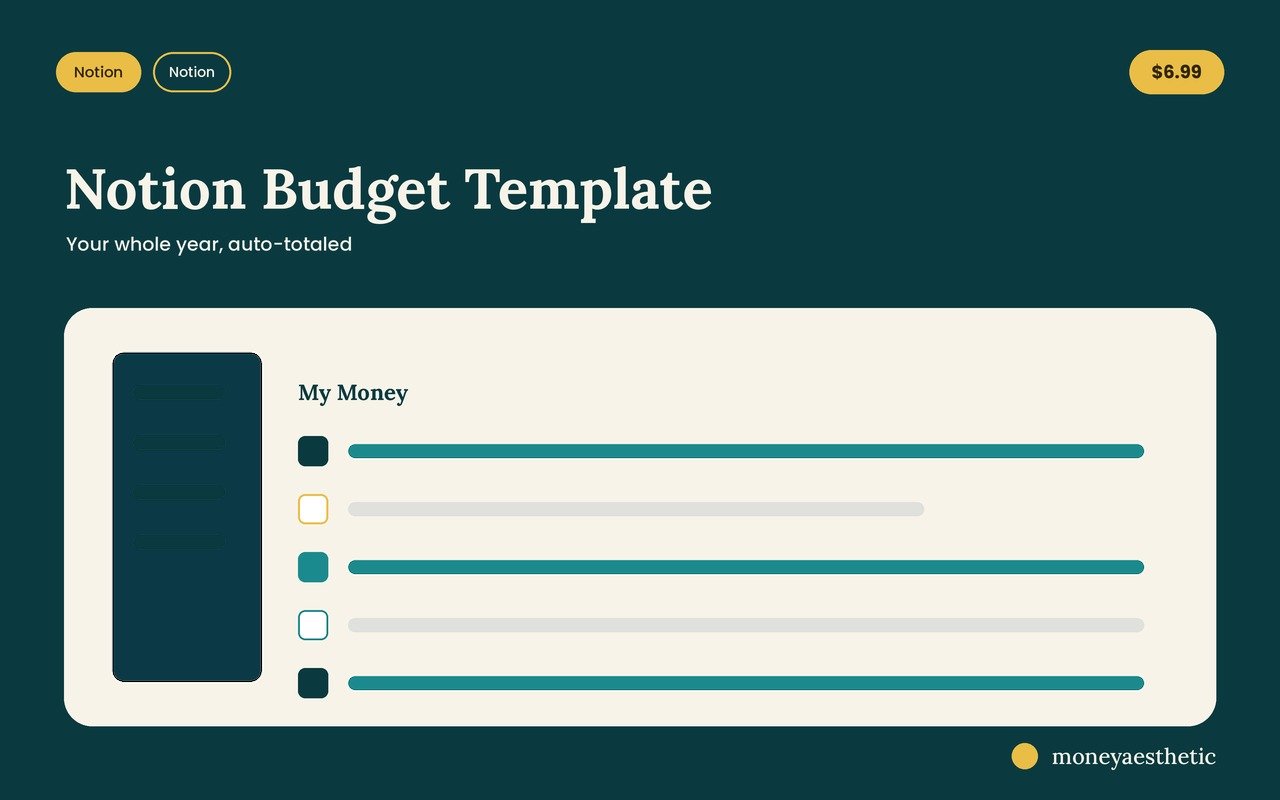
Get the budget side ready-made
A Transactions database with a running Money Left total, By Category and By Month views, a savings goals table and a monthly bills checklist, already set up and working on free Notion. Duplicate it once and start typing numbers instead of building it yourself. $6.99.
Get the Notion Budget Template →What Do People Get Wrong About Notion Finance Trackers?
“It’ll sync with my bank.” Not on its own. Notion has no built-in bank connection, so a Notion-only tracker is manual entry unless you add a third-party sync service. That sounds like a downside and it’s actually why the balance-only approach works: five minutes a month of typing is sustainable, and five minutes a day is not.
“More databases means better tracking.” Usually the opposite. Most extra properties are one more field to fill in each time you add a row, and the friction compounds until you stop opening the page. Fewer fields, more months of data.
“Notion can do the math.” Sort of. It sums and it rolls up, but it has no built-in loan amortization, and writing a payoff-date formula in Notion is genuinely annoying. Keep the heavy calculating in a spreadsheet and let Notion be the thing you actually look at.
“I need to backfill the last two years first.” Please don’t. Start with today’s balances. A trend line needs three points to be interesting, and you’ll have three after your third monthly check-in.
What Happens on the First Sunday of Every Month?
This is the part template roundups tend to skip, and it’s what keeps a tracker going. Pick one recurring date. First Sunday works because nothing else is happening. Then do exactly three things in about five minutes.
One: open every account and type today’s balance into the Accounts database. Don’t reconcile anything. Don’t investigate the weird $60. Just the number that’s on the screen.
Two: add one row to the Monthly Snapshot with assets, debts, and the difference. Watch the chart redraw. This takes ten seconds and it can be a surprisingly motivating ten seconds, including on the months where the line goes down, because now you know it went down, which is a completely different feeling from suspecting it.
Three: every third month, open Subscriptions and uncheck anything you haven’t used since the last check. Cancel those. The Federal Reserve’s May 2026 report on household well-being found 35 percent of non-retirees thought their retirement savings were on track, down from 40 percent in 2021, and 16 percent of adults didn’t pay all their bills in the prior month. Money is tight in a lot of households, and a recurring charge you forgot about is one of the easier costs to cut. It’s sitting right there in that one database.
That’s it. That’s the ritual. It works because it has a fixed date, a fixed length, and no judgment attached. You’re a person reading a number, not a person grading yourself.
And if you’d rather not build any of it, that’s fine too. Start with the free monthly budget template and add the tracker when you’re ready. Pairing it with sensible budget categories gives you a solid starting point without a paid app, for the price of one Sunday morning.
Frequently Asked Questions
Can a Notion finance tracker replace a budget?
No. They answer different questions. A tracker records where your money currently stands; a budget decides where the next paycheck goes. One common setup keeps the budget in a spreadsheet and the tracker in Notion, because Notion is better at showing a trend than at running the math.
Does a Notion finance tracker update automatically?
Not by itself. Notion has no built-in bank connection, so balances are typed in by hand unless you add a third-party sync service such as Finta. This is why a balance-only tracker is easier to keep up than a transaction log: updating five account balances once a month is realistic, and logging every purchase daily is not.
How do you track net worth in Notion?
Create an Accounts database with a type property marking each row as an asset or a debt, then add a monthly database with three columns: total assets, total debts, and the difference. That difference is your net worth. Add a chart view to the monthly database to see the trend. If you want to run the numbers on paper before you build the databases, here is how to calculate net worth step by step.
How do you track subscriptions in a Notion finance tracker?
Use a small database with four properties: name, monthly cost, renewal date, and a “still using this?” checkbox. Review it once a quarter and cancel anything unchecked. Gym and club memberships and cable TV fall inside the entertainment category, which the BLS measured at 4.6 percent of household spending in 2024.
How often should you update a Notion finance tracker?
Once a month for balances and net worth, once a quarter for subscriptions. Pick a fixed date, such as the first Sunday of the month, because a recurring slot survives motivation dips far better than “whenever I remember.”
Can two people share one Notion finance tracker?
Yes. Share the page with Can edit access, for example by inviting your partner as a guest (Notion’s Free plan allows 10 guests), and both people can update the same databases from any device. Couples can add an “owner” property to the Accounts database so joint and individual balances stay visually separate while still rolling into one net worth figure.
Do you need a paid Notion plan for a finance tracker?
No. Notion’s Free plan gives a single user unlimited pages and blocks, one chart, and 7 days of page history, which is enough for this setup. A paid plan adds unlimited charts, longer page history, and unlimited blocks once a workspace has two or more members.
What happens if you skip a month?
Nothing breaks. Leave the gap and enter the current month’s balances as normal. The chart simply shows a wider interval. A missing row is far less costly than abandoning the tracker over one skipped update, which is the actual failure mode.
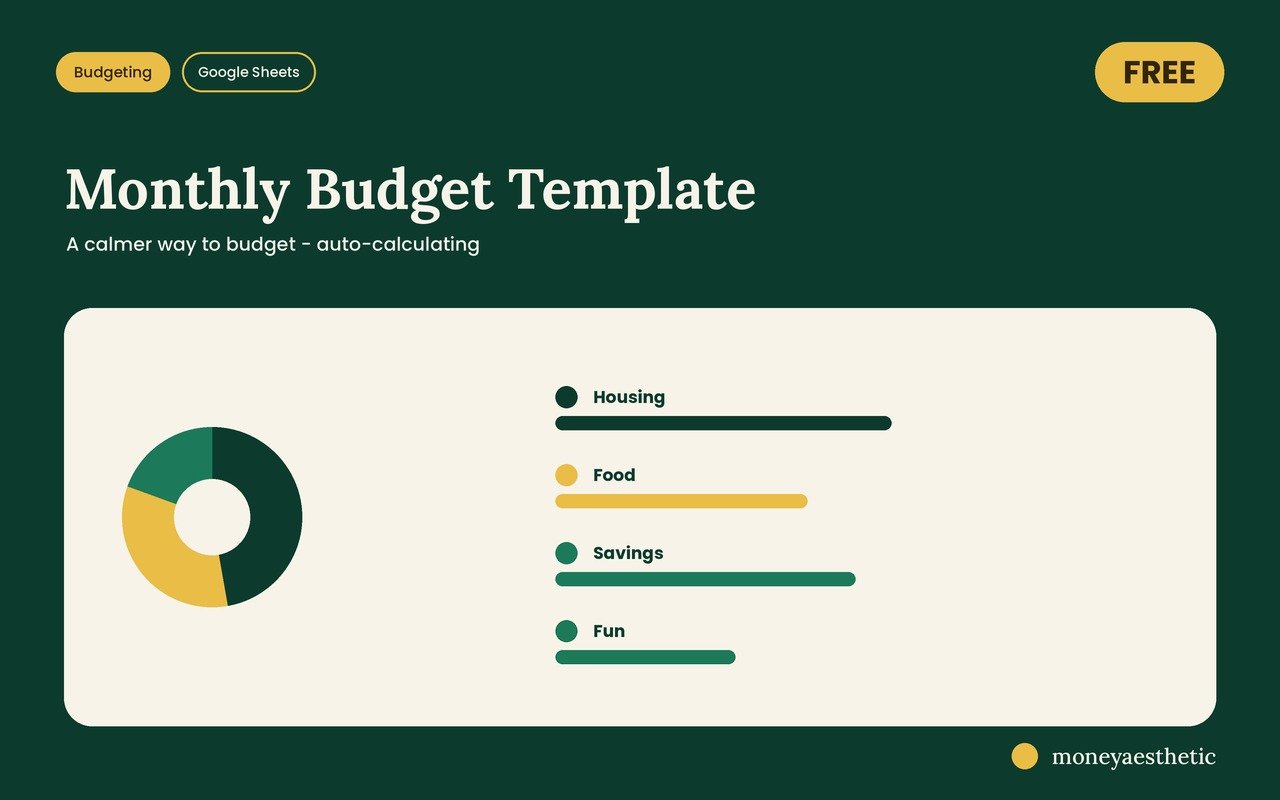
Start with the free one
Every number in this guide has to live somewhere. The free Monthly Budget Template gives it a home: one clean Google Sheet that adds itself up, free to copy into your own Google Drive.
Get the free Monthly Budget Template →This article is for general education only and is not financial advice. Your situation is your own. Consider talking to a qualified professional before making money decisions.