

Quick answer: A Notion budget template is a ready-made Notion page, often built on linked databases for income, expenses, categories or goals, that totals your numbers as you type transactions in. Notion has no built-in bank sync, so templates usually rely on entries you type in yourself unless you add a third-party integration. The Federal Reserve’s May 2026 report puts adults with three months of emergency savings at 55%, down from 59% in 2021. Pick a template you can update in 60 seconds.
You know the exact moment. You’re three tabs deep in the Notion template gallery, you’ve found the one with the soft beige dashboard and the little progress rings, and you can already picture yourself as a person who checks their net worth on a Sunday morning with a coffee. Gorgeous. Downloaded.
Then February happens. There are 41 untracked transactions sitting in your bank app, your Notion budget still says you spent $88 this month, and opening it now feels like opening a group chat you’ve ignored for a week. So you don’t. The template wasn’t the problem. What keeps one alive is a different question.
That’s what this is. What a Notion budget template really does, where Notion genuinely beats a spreadsheet, where it quietly loses, and how to end up with one you’re still using when the leaves change.
Key takeaways
- Notion has no built-in bank link. Unless you add a third-party sync service, you’ll type in most transactions yourself, and that fact should drive which template you pick.
- The Notion budget template you keep using is usually the one with fewer fields, not more features.
- Notion wins on looking at your money. Spreadsheets win on crunching it.
- If updating it takes longer than a minute a day, you’ll probably quit. Design around that, not against it.
What Is a Notion Budget Template, Exactly?
A Notion budget template is a ready-made workspace page often built from connected Notion databases, such as one for transactions, one for categories and one for monthly totals, sometimes with a savings goals list. You duplicate it into your own Notion, type in what you spent, and rollup or formula properties add it up for you. No formulas to write, no cells to drag.
The part that trips people up is the word “template.” In Google Sheets, a template is a grid. In Notion, a template is often a small relational database with a pretty face on it. Transactions link to categories, and categories roll up to a month. It’s genuinely clever, and it’s also why a badly built one gets hard to fix: you can’t just delete a column and move on.
The practical upside: once it’s set up, your budget lives in the same workspace as your reading list and your grocery notes. No separate app to remember. That’s not a small thing, because a budget you see daily is easier to keep.
Should You Budget in Notion at All?
Budget in Notion if you already live in Notion and you want your money to feel visible and calm rather than mathematically exhaustive. Skip it if you need bank sync, heavy formulas, or amortization math. Notion is a beautiful dashboard with a database underneath. That’s a real strength for daily awareness and a real weakness for number-crunching.
Here’s the honest comparison:
| Notion | Google Sheets | Printable planner | |
|---|---|---|---|
| Setup time | Short with a template | Short with a template | Print and go |
| Bank sync | None built in | Through third-party add-ons | None |
| Strong at | Seeing your month at a glance | Math, projections, debt payoff dates | Slowing you down on purpose |
| Phone entry | Comfortable in the app | Fiddly on a small screen | Not applicable |
| Falls apart when | The template has 12 fields per entry | You need it to feel nice | You leave the binder at home |
Notice the bank sync row. Notion has no built-in bank sync, which is the thing people quietly hope a template will fix. If automatic import is your dealbreaker, look at a budgeting app or a sync service, and know going in that connecting your bank account to one is its own trade.
What Notion is unusually good at is the emotional half of budgeting. A dashboard that shows one number, what’s left this month, beats a perfect ledger you’re scared to open. If that sounds like the thing you’ve been missing, our Notion budget template is built around that one-number view.
How Do You Build a Notion Budget Without Losing a Weekend?
Build it in stages: set your monthly income and fixed bills, create six to eight spending categories, add one transaction database with three fields, and connect one dashboard view that shows what’s left. Doing that from a blank page can take a long time. Duplicating a finished template gets you to the entering-numbers stage much faster.
- Write down income and fixed bills first. Rent, insurance, subscriptions, minimum debt payments: the stuff that happens whether you think about it or not. This is the number that makes the rest honest.
- Cap yourself at six to eight categories. Groceries, eating out, transport, fun, household, personal. That’s plenty. More budget categories feel thorough for a week and become paralysis by March.
- Build the transaction database with three fields only: amount, category, date. Nothing else. Not vendor, not payment method, not mood. Three fields keeps each entry quick; eight fields turns it into a chore.
- Add rollups, not formulas. A rollup property that sums transactions per category covers a lot of what you need. Save your energy.
- Make one dashboard view your home page. Money in, money out, what’s left. If you have to click into a database to know how you’re doing, you’ve built a filing cabinet, not a budget.
- Enter one week of real spending before you decorate. You’ll immediately see which fields you actually use. Then style it. This order matters more than it sounds.
If you’d rather skip most of the building, that’s what a template is for. Duplicate it into your Notion account, and you can start entering real numbers instead of building databases.
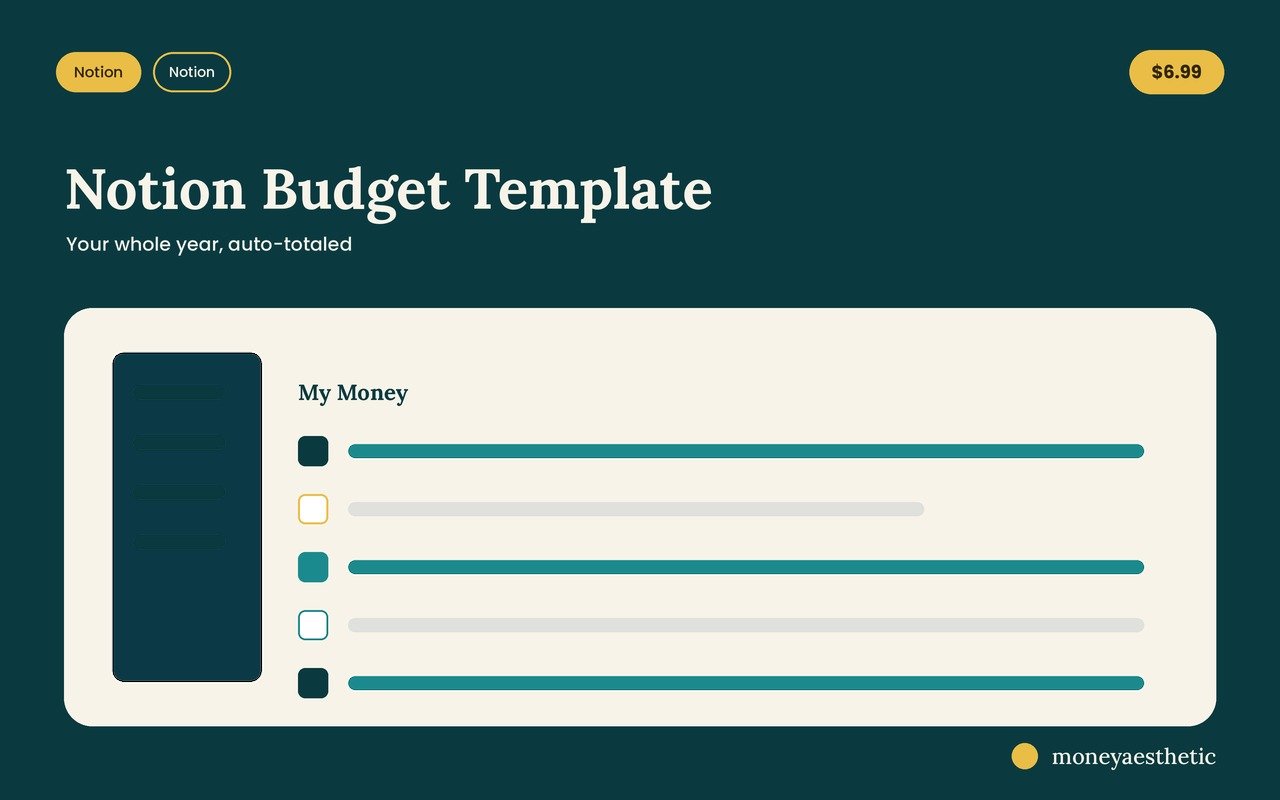
Your monthly budget, on one Notion page
Income and expense transactions, spending categories, a monthly bills checklist and a savings goals table, all on one page. Duplicate it, type your numbers, and the Money Left total shows what’s left in one glance. A few fields per transaction, no formulas to write, no 40-tab spreadsheet. Just $6.99.
Get the Notion Budget Template →Why Do So Many Notion Budgets Stall Out?
Notion budgets often stall because of entry friction more than design. Without a sync integration, most transactions are typed by hand, so the true cost of a template is fields multiplied by purchases. A template asking for eight fields per entry turns each purchase into a small form, and across a month of purchases that adds up to real admin you didn’t sign up for. Skip three days and the backlog does the rest.
This is the part template listings rarely spell out, so here’s the rule that fixes it: if one transaction takes longer than 60 seconds to log, the template is too heavy, no matter how pretty the dashboard is. Time yourself once. Genuinely, with your phone. Ten seconds means you’ll still be doing this in November. Ninety seconds means you’re building a very beautiful thing you’ll likely resent.
Three moves that keep a Notion budget alive:
- Delete fields you didn’t fill in last week. If “payment method” is blank on 18 of 20 entries, it’s not data, it’s a chore. Remove it.
- Log at the register, not at the desk. A Notion home-screen widget gives you quick access to your transactions database, so you can start logging while the card reader is still thinking. Batch-entry on Sunday is how backlogs tend to start, and the same trap shows up in tracking expenses generally.
- Let one week go missing without starting over. A gap is not a failure. Restarting from a fresh template each time you slip is the bigger problem, and it can keep you bouncing between templates for a year.
Notice none of that is about discipline. Budgets that survive tend to be the ones designed to be cheap to maintain, which is the same principle behind sticking to a budget in any format.
It matters more than it sounds. The Consumer Financial Protection Bureau’s Making Ends Meet survey found the share of families having difficulty paying bills or expenses rose from 38% in 2023 to 43% in 2024. A budget you abandon after a few weeks tells you nothing about which bill is about to become a problem. A boring one you update daily can flag it sooner.
What Do People Get Wrong About Notion Budget Templates?
Four misconceptions waste a lot of time, and you can sidestep them before you download anything.
“A free Notion budget template is basically the same thing.” Sometimes! Free templates are great for testing whether Notion suits your brain. What you’re usually paying for in a paid one is subtraction: someone already deleted the 14 fields you don’t need and set up the totals so you don’t have to build them. If a free template works for you, genuinely keep it.
“More features means more control.” Backwards. Each extra property is a decision you make at the moment you’re standing in line at Target holding oat milk. Features are a cost paid in daily seconds, and the bill comes due with each purchase.
“I’ll set it up properly this weekend.” The weekend build is where many Notion budgets stall, because you design for the person you imagine being on a very organized day rather than the person entering a $6 coffee on a Tuesday. Enter real transactions first, decorate second.
“Notion replaces an emergency fund plan.” A dashboard shows you the gap; it doesn’t close it. Tracking is the diagnostic. Deciding how much emergency fund you need and automating the transfer is the treatment — and per the Fed’s May 2026 report, 63% of adults would cover a surprise $400 expense with cash or its equivalent, a number that hasn’t budged in years.
If you want to test the whole approach before spending anything, start with the free monthly budget template, run it for two weeks, and see whether daily entry actually fits your life. Then upgrade to Notion when you know it will.
Frequently Asked Questions
Is a Notion budget template better than a budgeting app?
It depends on whether you’d rather have automation or awareness. Many budgeting apps import transactions automatically, which typically means connecting your bank account and sometimes paying a subscription. A Notion budget template is mostly manual entry and makes you look at each purchase as you log it, which is the point if awareness is what you want.
Can Notion connect to my bank account?
Not natively. Notion has no built-in bank sync, so a Notion budget template needs manual entry, a CSV import, or a third-party sync service you connect yourself. Read automatic claims in template listings carefully, because they may mean a recurring-entry shortcut or a separate bank-sync service rather than a Notion feature.
Are free Notion budget templates worth using?
Yes, for testing. A free Notion budget template is a no-cost way to find out whether you’ll actually log transactions daily. The common frustrations are far more fields than anyone needs and totals you have to wire up yourself, which is what a well-built paid template takes care of.
How long does it take to set up a Notion budget template?
Duplicating a finished template and entering your income, bills and categories is usually a short sitting. Building the same thing from a blank Notion page takes much longer, mostly spent on relations and rollup properties rather than on actual budgeting.
Is Notion or Google Sheets better for budgeting?
Notion tends to suit seeing your money at a glance and entering purchases on your phone. Google Sheets tends to suit math such as debt payoff dates, projections and sinking fund schedules. You can also run both: Notion as the daily dashboard, a spreadsheet for the heavy calculations. If you like paper, the debt tracker printable works alongside both.
Can I update a Notion budget from my phone?
Yes, and you should. Notion has iOS and Android apps, and a home-screen widget gives you quick access to your budget database. Logging at the moment of purchase keeps a backlog from building, which is what often sinks a manual budget.
Does Notion calculate totals automatically?
Yes, through rollup and formula properties. A rollup sums linked transactions per category or per month without you writing anything, which covers a lot of basic budgeting. Formula properties handle more complex calculations, though a spreadsheet is often the easier tool for heavy financial math.
How much should a Notion budget template cost?
Prices for paid Notion budget templates vary, and a higher price can buy an aesthetic rather than better structure. Judge it by how few fields each transaction needs and whether the dashboard shows what’s left without clicking, not by how many databases it includes.
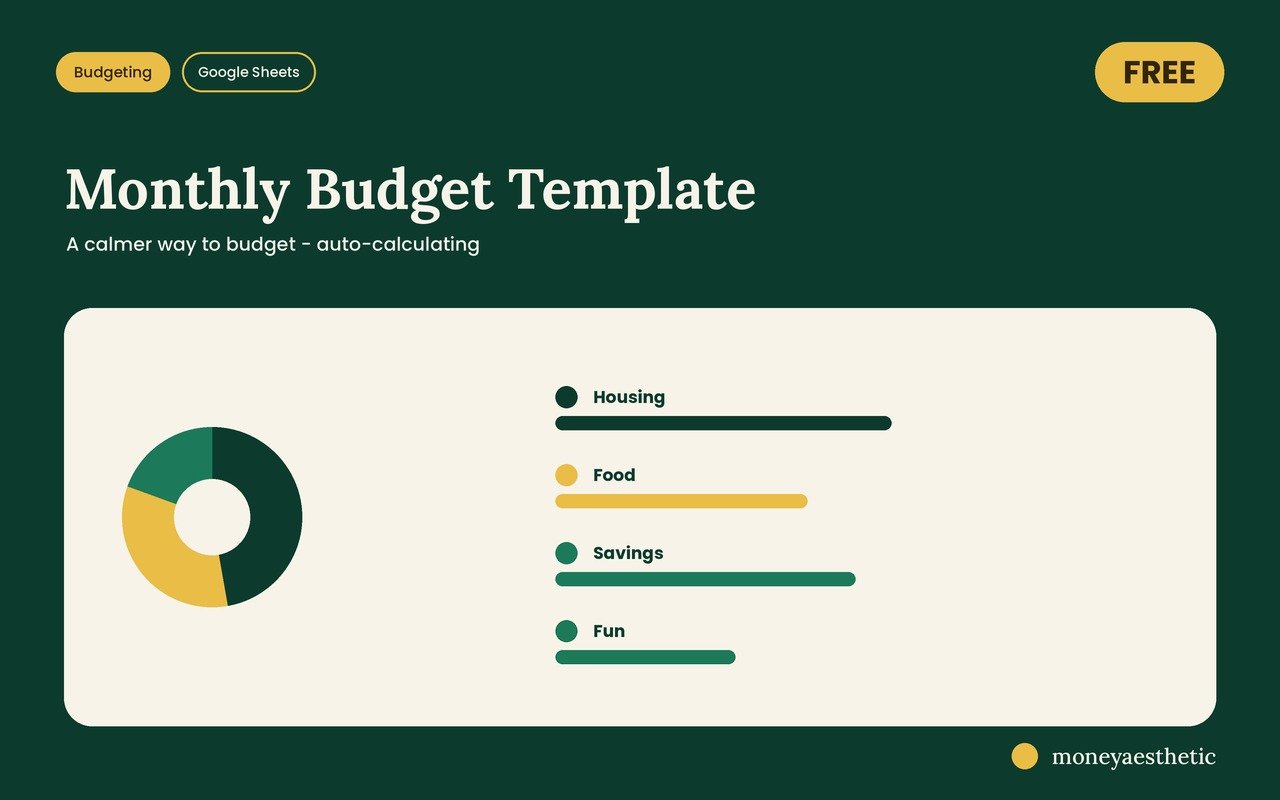
Grab the free monthly template
If the hard part is just seeing your month in one place, start there. The free Monthly Budget Template lays out your month on one tab and does the adding for you — no subscription, no catch.
Get the free Monthly Budget Template →This article is for general education only and is not financial, investment, tax or legal advice. Your situation is individual — consider speaking with a qualified professional before making financial decisions.