

A budget binder is one folder (paper or printable) that holds your whole money picture in one place: your monthly budget, bill and debt trackers, savings goals, and a spending log. To make one, grab a binder, print about five core pages, and fill them in each payday. With credit card balances at $1.26 trillion in the second quarter of 2026, per the New York Fed, money you can actually see can be easier to keep up with than another app you’ll ignore. The free printable budget planner guide covers which pages to print if you would rather not start from scratch.
Let’s be honest about the last budget binder you made. You bought the cute binder, printed a stack of pages late at night, filled it in a couple of times, and now it’s holding down a corner of your desk under a pile of mail.
Here’s the thing, though: the binder wasn’t the problem. The plan was just too big. Done right, a budget binder isn’t a craft project — it’s the one spot where your dollars check in. And when you can see your money instead of burying it in an app you open once a month, the leaks can be easier to spot. That “wait, where did that money go” feeling? A binder puts your money back in sight.
Key takeaways
- A budget binder keeps your budget, bills, debt, and savings in one place you’ll actually flip through.
- About five core pages is plenty to start. A giant binder is a lot to keep up with.
- Writing numbers by hand can make you look at each one, which some people find helps them think twice before spending.
- Not into printing? A fillable version you type into gives you the same system, ink-free.
What a budget binder actually is
A budget binder is exactly what it sounds like: a binder (or a folder, or a few printed pages in a clip) where your money info lives together. Instead of a bill reminder in your email, a debt balance in one app, and a vague savings goal floating around your head, it’s on paper you can spread out on the kitchen table.
Some people go full analog with dividers, sheet protectors, and a pen that sparks joy. Others print a few pages and call it a day. Some run a “binder” that’s actually digital — a fillable budget planner they type into on a screen. The format matters way less than the habit. What makes it a budget binder is that your money info is in one place, and you actually open it.
Why a paper binder still works in 2026
Apps are convenient, but convenient is also easy to swipe away. Paper can make you slow down. When you write a number by hand, you tend to look at it, and for some people that’s what turns “cute top” into “I already own a few of these.”
There’s a bigger money backdrop, too. Americans were carrying $1.26 trillion in credit card debt in the second quarter of 2026, according to the New York Fed, and 55% of adults said they had three months of expenses set aside in an emergency fund in 2025, per the Federal Reserve‘s 2025 Survey of Household Economics and Decisionmaking (published May 2026). Those are the two kinds of numbers a binder helps you track for your own household: what you owe, and what you’ve set aside. Seeing yours in ink, week after week, can help you shrink one and grow the other.
And no, you’re not behind for wanting paper in 2026. If you otherwise live on your phone, one analog spot for money can keep it from being something you scroll past. There’s no gold star for doing this the fancy way. What counts is the version you’ll actually keep up with.
What to put in your budget binder
You could include a pile of trackers. Please don’t. Here are the core pages that cover the basics; anything else is optional flair you can add later.
| Page | What it does | How often you touch it |
|---|---|---|
| Monthly budget | Plan your dollars before the month starts | Once a month |
| Bill tracker / calendar | Line up due dates with paydays to help you pay on time | Weekly |
| Debt payoff tracker | Watch balances shrink and pick your payoff order | Each payday |
| Savings & sinking funds | Set money aside for the “surprises” that aren’t surprises | Each payday |
| Spending log | Jot down what you actually spent (the truth-teller) | Daily-ish |
If you want the debt page to actually motivate you, decide which debt to pay off first before you start filling it in. It changes how you order the list. And the savings page is really just a home for your sinking funds: the little pots for gifts, car repairs, and holidays that tend to show up eventually.
How to make a budget binder, step by step
Start smaller than you think you should. Here’s the whole thing in six steps:
- Grab a binder (or go digital). Any half-inch binder works. If you’d rather type than print, start from a monthly budget template you fill in on Google Sheets.
- Print your five core pages. Budget, bills, debt, savings, spending log. That’s it for round one.
- Add five tabs, no more. Dividers just let you flip straight to the page you need without a treasure hunt.
- Fill in the budget first. List your income, then give each dollar a job. If you’re staring at a blank page, the CFPB‘s free monthly budget worksheet is a solid starting point.
- Do a quick payday check-in. Each payday, update the trackers and move your savings. That’s basically the whole habit.
- Keep it visible. A binder in a drawer is easy to forget. Leave it on the counter where it can nag you a little.
Skip the printable rabbit hole
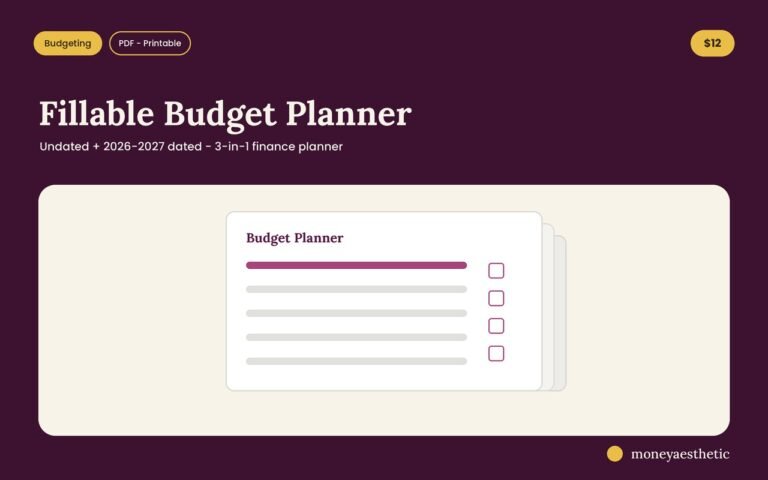
The Fillable Budget Planner is your whole budget binder, already designed — budget, bills, debt, savings, and spending pages you can print or type into. Calm, cute, and there’s an undated version, so you can start on a random Tuesday. It’s the easy version of the steps above.
Get the Fillable Budget Planner →The 5-page rule
Here’s the part that’s easy to miss: the reason your last one died may not have been laziness. A giant binder can turn into a part-time job. Each extra tracker is one more thing to keep current, and falling behind on a pile of them can be when the binder gets closed for good.
So do the opposite. Start with five pages and run them for one full month. If you catch yourself wishing you had a page for, say, grocery spending or a debt-free countdown, add that one page. Make the binder earn its pages instead of drowning you on day one. A five-page binder you use beats a huge binder you don’t. It’s the same idea that can help you stick to a budget: less friction, fewer steps, more small wins.
Budget binder myths, busted
“It’s only for people who are broke.” Nope. It’s a control tool, not a last resort.
“You need cash envelopes.” Totally optional. A cash envelope system pairs beautifully with a binder, but you can run the whole thing straight from your checking account.
“Digital is always better.” Digital is better if you’ll open it. For some people, paper works better because it feels harder to ignore.
“It has to be pretty.” It doesn’t. But honestly? If pretty is what makes you open it, then pretty is doing real work. No shame in that.
Budget binder FAQ
What is a budget binder?
A budget binder is a physical or printable folder that keeps your budget, bills, debt, savings, and spending in one organized place. It turns money you’d normally track across apps and your memory into pages you can flip through and update by hand.
How do I make a budget binder?
Grab a binder, print about five core pages (budget, bills, debt, savings, and a spending log), add tabs, and fill in your budget first. Then update it in a quick check-in each payday, which is what keeps it current.
What should be in a budget binder?
At minimum: a monthly budget, a bill tracker or calendar, a debt payoff tracker, a savings and sinking-funds page, and a spending log. Those five cover the basics; add extra pages when you clearly miss one. For help setting up the debt page, see the debt tracker printable guide.
Is a budget binder worth it?
For people who ignore budgeting apps, it can be. Writing your money down by hand can make you look at the numbers, and some people find that helps them think twice before spending. With credit card debt at $1.26 trillion in the second quarter of 2026 (New York Fed), a system you’ll genuinely open is worth more than a fancy one you won’t.
What supplies do I need for a budget binder?
A half-inch binder, a few dividers, your printed pages, and a pen. Sheet protectors and cash envelopes are nice extras but completely optional, so don’t let a supply list stop you from starting this week.
Budget binder or budgeting app, which is better?
The better one is the one you’ll actually use. Apps can win on automation and convenience; a binder can win on focus, since writing numbers by hand can make you look at them. Some people run both, an app to track and paper to plan.
How often should I update my budget binder?
Plan your budget once a month, then do a quick update each payday and jot spending as you go. The payday check-in is the non-negotiable one; skip it and the binder can drift out of date.
Can I make a budget binder for free?
Yes. Use a binder you already own and free printable pages. A free monthly budget template plus a plain spending log can get you started at no cost, and you can upgrade the pages later.
Start with the free one
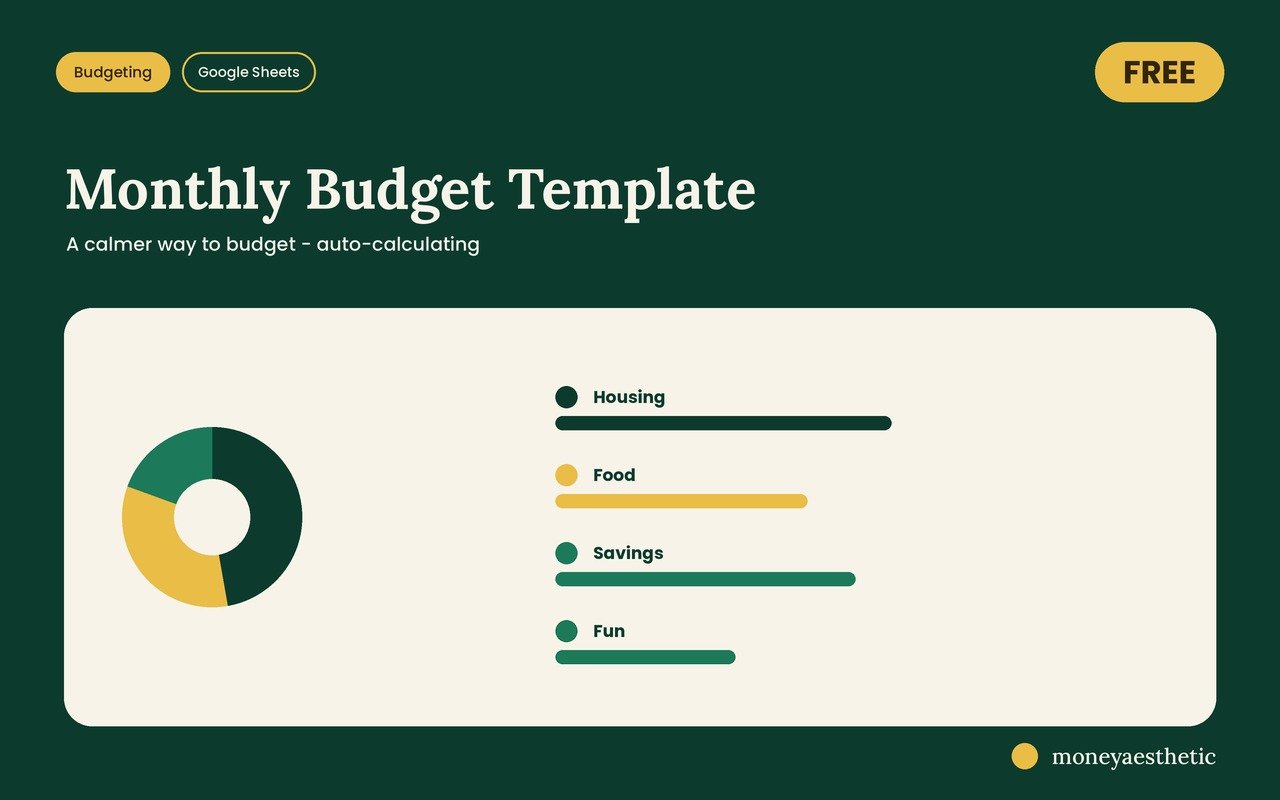
The numbers in this guide need somewhere to live. The free Monthly Budget Template gives them a home: one clean Google Sheet that adds itself up. Grab it free on Gumroad, then open the link inside the PDF and choose “Make a copy.”
Get the free Monthly Budget Template →Money Aesthetic shares general educational information, not financial advice. Your situation is your own, so use what fits your life — and check with a qualified professional before any big money decision.