

Quick answer: A bill tracker printable is one page that lists your recurring bills, each due date, each amount, and a box you tick when it’s paid. It works because the due date stops living in your head and starts living somewhere you can see it. The New York Fed’s August 11, 2026 report put 4.7% of US household debt in some stage of delinquency, and delinquency starts with a missed due date.
You have the money. That’s the maddening part.
The car payment didn’t bounce because your account was empty. It bounced because it came out on the 3rd and you were thinking about the 15th. Then the card adds a late fee, and now you’re mad at a bank over thirty dollars you technically had the whole time.
Missing bills is often a memory problem, not a money problem, and memory is an unreliable place to store a due date. A bill tracker printable fixes that in a plain, unglamorous way: you write the bills down once, on paper, and stop trying to remember them.
Key takeaways
- A bill tracker printable is a one-page list of your recurring bills, their due dates, their amounts, and a paid checkbox. Nothing more complicated than that.
- The CFPB’s 2024 late fee rule put the typical credit card late fee at 32 dollars, and its December 2025 report found card issuers in its data charged 17 billion dollars in late fees in 2024.
- Write down the highest amount each bill has hit, not the average. Electricity rose 3.8% in the year through August 2026, and averages quietly under-plan you.
- Autopay does not replace a tracker. It can hide price increases, and hidden increases are where budgets leak.
What Is a Bill Tracker Printable, Exactly?
A bill tracker printable is one printed page where each recurring bill gets one row: the name of the bill, the day of the month it’s due, the amount, and a checkbox for when it’s paid. You print one per month, fill it in, and put it somewhere you physically walk past. That’s the whole system. Day-to-day spending belongs on a separate page, which is what an expense tracker printable is for.
It is deliberately dumber than an app, and that’s the point. No login, no bank connection, no notification you swipe away at a red light and forget about. A sheet of paper on the fridge can’t be dismissed. It sits there being mildly annoying until the boxes are ticked, which is exactly the right amount of pressure.
You can keep the page in a budget binder with the rest of their money paperwork, or clipped inside a kitchen cabinet door. Ours lives in the Fillable Budget Planner. It comes with an undated version, so the same page works in March and in November, and it’s typeable, so you can fill it in on your laptop first if your handwriting is a crime scene.
Why Does Writing Bills Down Beat Letting Autopay Handle It?
Writing bills down beats pure autopay because autopay solves remembering and creates a new problem: not looking. The money leaves, the balance drops, and it gets easy to lose track of what the internet costs. A tracker forces a quick glance at each amount, each month, which is a simple way to catch a price that quietly went up.
Here is what late payments cost. The Consumer Financial Protection Bureau found that card issuers in its data charged 17 billion dollars in late fees in 2024, and when it wrote its 2024 late fee rule it counted more than 45 million people paying them, with the typical fee at 32 dollars. The CFPB rule that would have cut the safe harbor late fee for the largest card issuers to 8 dollars was vacated by a Texas federal court in April 2025 and never took effect, so the earlier Regulation Z safe harbor amounts, 30 dollars for a first late payment and 41 dollars for a repeat within the next six billing cycles, were left in place.
And a late fee is rarely just a late fee. A missed payment that stays unpaid can turn into a delinquency the credit bureaus notice, and the New York Fed’s Q2 2026 report showed about 8.7% of credit card balances transitioning into delinquency over the past year. Thirty dollars is the part people see. The credit score is the part they find out about later, at a car dealership, in front of a stranger.
Honest version, though: paper isn’t magic. What helps is having one place where your bills live. If you’ve tried a few apps and they didn’t stick, the printed version isn’t a downgrade. It may be the one you actually use.
What Columns Does a Bill Tracker Printable Actually Need?
A bill tracker printable needs four core columns: bill name, due date, amount and a paid checkbox. An autopay yes-or-no column and one narrow notes column are worth adding. Anything past that is a spreadsheet wearing a paper costume.
| Column | What goes in it | Why it earns its space |
|---|---|---|
| Bill | Rent, electric, phone, car, card minimum | Naming each one is the step that finds the ones you forgot |
| Due | Just the day of the month (3rd, 15th, 28th) | The day rarely changes, so you write it once and reuse it month after month |
| Amount | The highest it has been in 12 months | Averages under-plan you; ceilings rarely surprise you |
| Auto? | Y or N | Shows which rows need action and which just need watching |
| Paid | A checkbox | The satisfying part. Do not underestimate the checkbox. |
| Notes | “up 6 in June”, “renews 11/2” | Where price creep gets caught before it becomes normal |
One page, month after month
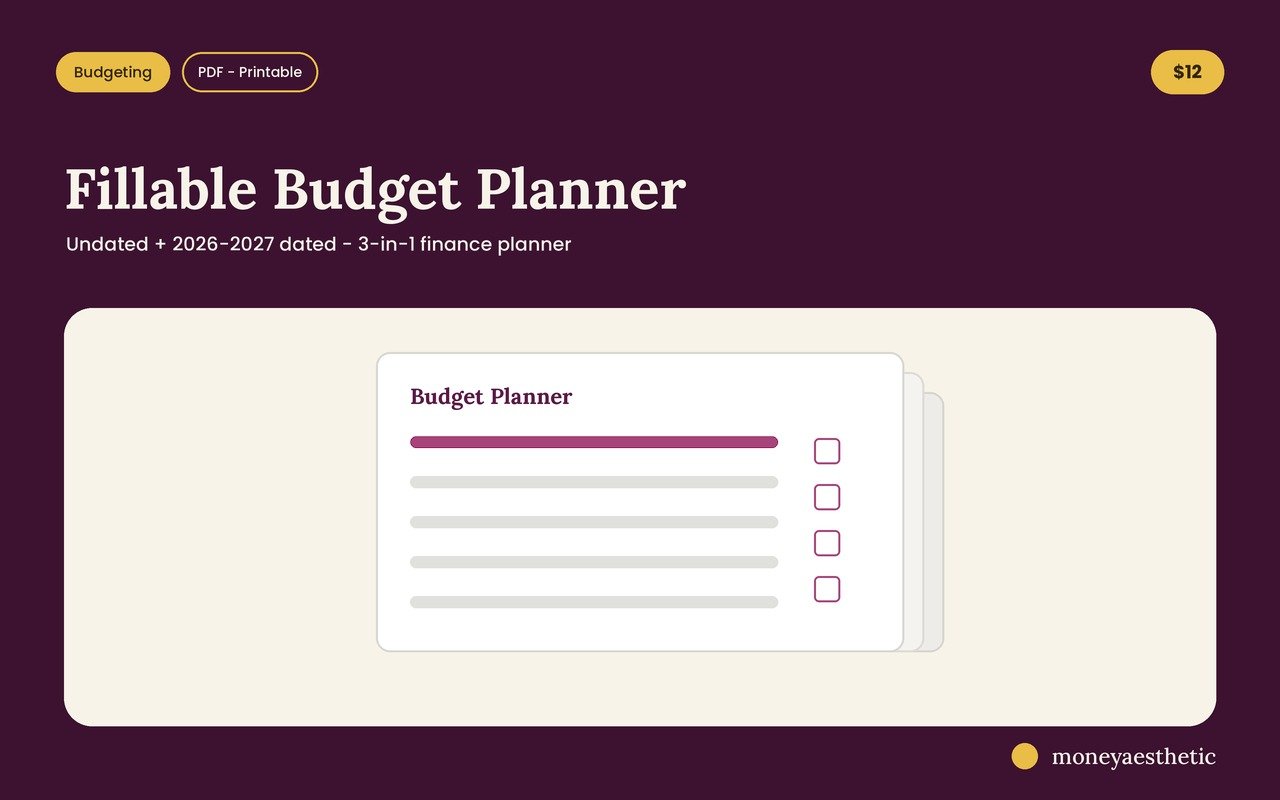
The Fillable Budget Planner has the bill tracker page already laid out, with a paid checkbox, the bill, the due date and the amount on each row. It comes with an undated version, so the same sheet works in March and in November. Type into it on your computer or print it blank and grab a pen. No formulas, no login, no app asking for your bank password. Just the page you actually needed.
Get the Fillable Budget Planner →How Do You Fill One Out for the First Time?
Filling out a bill tracker printable for the first time starts with your bank and card statements. You are not budgeting yet; you’re taking inventory. Do it properly once and later months mostly mean copying the list onto a fresh page.
- Pull the last twelve months of bank and card statements. A shorter window can miss quarterly and annual charges, and a full year also shows each bill’s highest amount.
- Write down each recurring charge, including the embarrassing ones. The doxo 2026 US Household Bill Pay Report tracks 13 common household bill categories, among them housing, electric, gas, water, waste, cable, mobile, auto loan, insurance and security, and subscriptions stack on top of those. Write the subscriptions down too.
- Put the day of the month in the Due column, then sort by it. Sorting by due date turns a list into a calendar. Suddenly you can see when several bills land close together, which can explain why one week of the month feels tight.
- Fill in the highest amount you’ve seen for each one. More on why in a second. This is the step that does the heavy lifting.
- Mark autopay Y or N, then circle each N. Those are the rows that need you to do something. The rest you’re just supervising.
- Print a year’s worth of copies and put them in a folder. Future you will not want to hunt for the file again in October.
If you also want the timing view (which bills land before which paycheck), that’s a budget calendar, and it pairs with a bill tracker rather than replacing it. The tracker answers “what do I owe.” The calendar answers “when does my balance get scary.”
Why Should You Write the Highest Amount, Not the Average?
Write the highest amount each bill has hit in the last twelve months, because a plan built on averages comes up short in any month that runs above average. For example, if electricity averages 140 dollars but peaked at 215 in August, planning for 140 means that peak month quietly eats 75 dollars that was promised to something else. Some utilities will flatten that swing for you, which is the trade we weigh in what is budget billing.
Utility prices are also rising. The Bureau of Labor Statistics’ August 2026 CPI release reported that the electricity index rose 3.8% over the twelve months ending August 2026, with utility gas service up 4.4% in the same period. Those are national averages, and a heat wave or a rate change can move your particular bill much further.
So use the ceiling. Write 215, not 140. In a normal month the bill comes in under the number on your sheet and the difference lands in savings instead of evaporating. Months turn into small wins instead of small ambushes, and the months that used to detonate your budget turn boring. That’s the whole trick.
It’s also why the Notes column earns its keep. Jot “up 6 in June” beside a streaming bill and you’re building a record of price creep. For example, four services that each crept up six dollars a month add up to 288 dollars a year of spending you didn’t choose. Catching that can pay for the planner several times over, and it takes a pen, not a spreadsheet skill.
Common Misconceptions About Bill Trackers
“Autopay means I don’t need one.” Autopay handles sending the payment. It doesn’t ask you to look at the amount, so increases are easy to miss. Tracking is for watching, not just for paying.
“My banking app already shows my bills.” It shows the charges it recognizes, which may not include an annual renewal coming up later in the year, or what the bill used to cost.
“A bill tracker is the same as a budget.” It isn’t. A bill tracker lists obligations; a budget gives your income a plan. The tracker is a key input for a budget, which is why the free monthly budget template includes a bill checklist.
“Paper is outdated.” Paper doesn’t need a login and can’t log you out. If finance apps haven’t stuck for you, a printed page may be easier to keep using.
“I’ll just remember.” That works right up until the month with the wedding, the flat tire and the work trip. Writing it down is what keeps the system working on a hard week, not just an easy one.
Track your bills for a month and the start of the month can feel calmer. Keep going and you can catch increases before they compound. Print the printable bill tracker from the planner and let the paper do the remembering.
Bill Tracker Printable FAQ
What should be on a bill tracker printable?
A bill tracker printable should have at least four columns: the bill name, the day of the month it’s due, the amount and a paid checkbox. An autopay column and a short notes field are useful extras. A short list of columns fits comfortably on one page in handwriting-sized boxes. Anything more and the page becomes a chore instead of a habit.
Is a printable bill tracker better than an app?
A printable bill tracker is better than an app for many people who tend to ignore notifications. Paper can’t be swiped away, doesn’t log you out, and doesn’t need your bank credentials. An app is better if you want automatic categorization and you actually open it.
How do I track bills that change every month?
Track variable bills by writing the highest amount they’ve hit in the last twelve months rather than the average. Electricity, gas and water bills can change with the seasons, and the Bureau of Labor Statistics put the electricity index up 3.8% over the year through August 2026. Planning for the ceiling means a normal month leaves you with a surplus instead of a shortfall.
How much do late fees actually cost?
The CFPB’s 2024 late fee rule put the typical credit card late fee at 32 dollars, and its December 2025 report found card issuers in its data charged 17 billion dollars in late fees in 2024. The 8 dollar safe harbor for the largest card issuers that the CFPB finalized in 2024 was vacated in April 2025, so the earlier 30 dollar and 41 dollar safe harbor amounts were left in place.
What’s the difference between a bill tracker and a budget calendar?
A bill tracker lists what you owe and when it’s due; a budget calendar maps those due dates against your paydays so you can see when your balance dips lowest. The tracker is the inventory, the calendar is the timing. It usually makes sense to start with the tracker and add the calendar once the list exists.
Should I include subscriptions on my bill tracker?
Yes, subscriptions belong on the bill tracker, because they’re easy to forget. Several can pile up, and small price increases are easy to miss on autopay. Listing them side by side with the rent and the car payment makes the total hard to ignore.
How often should I print a new bill tracker?
Print a new bill tracker every month and keep the finished ones for at least a year. The stack becomes your price history, which is what lets you spot the bills that climbed and negotiate or cancel them. An undated printable makes this painless because you print the identical page each time. The bill page is part of the Fillable Budget Planner if you want the rest of the set with it.
Can I use a bill tracker if my income is irregular?
Yes, and it matters more with irregular income, not less. Sort the tracker by due date, total the bills falling in each half of the month, and you’ll know the minimum you need banked before each of those dates. That number becomes the target each deposit feeds until it’s covered.
Grab the free monthly template
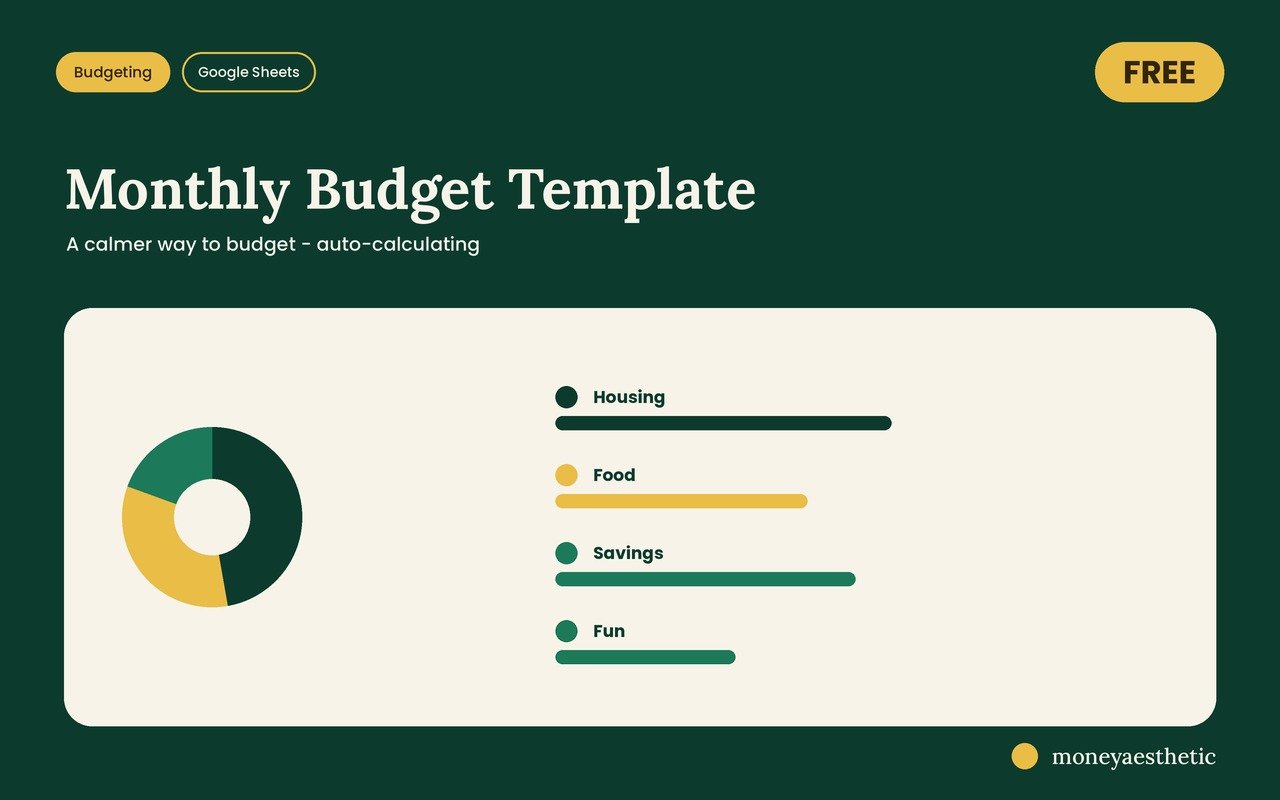
If the hard part is just seeing everything in one place, start there. The free Monthly Budget Template lays out your month on one sheet and does the adding for you, with no subscription and no catch.
Get the free Monthly Budget Template →This article is for general education only and is not financial, legal or tax advice. Figures cited are accurate as of September 2026 and may change. Consider your own situation, and consult a qualified professional before making financial decisions.