
Wedding Budget Spreadsheet
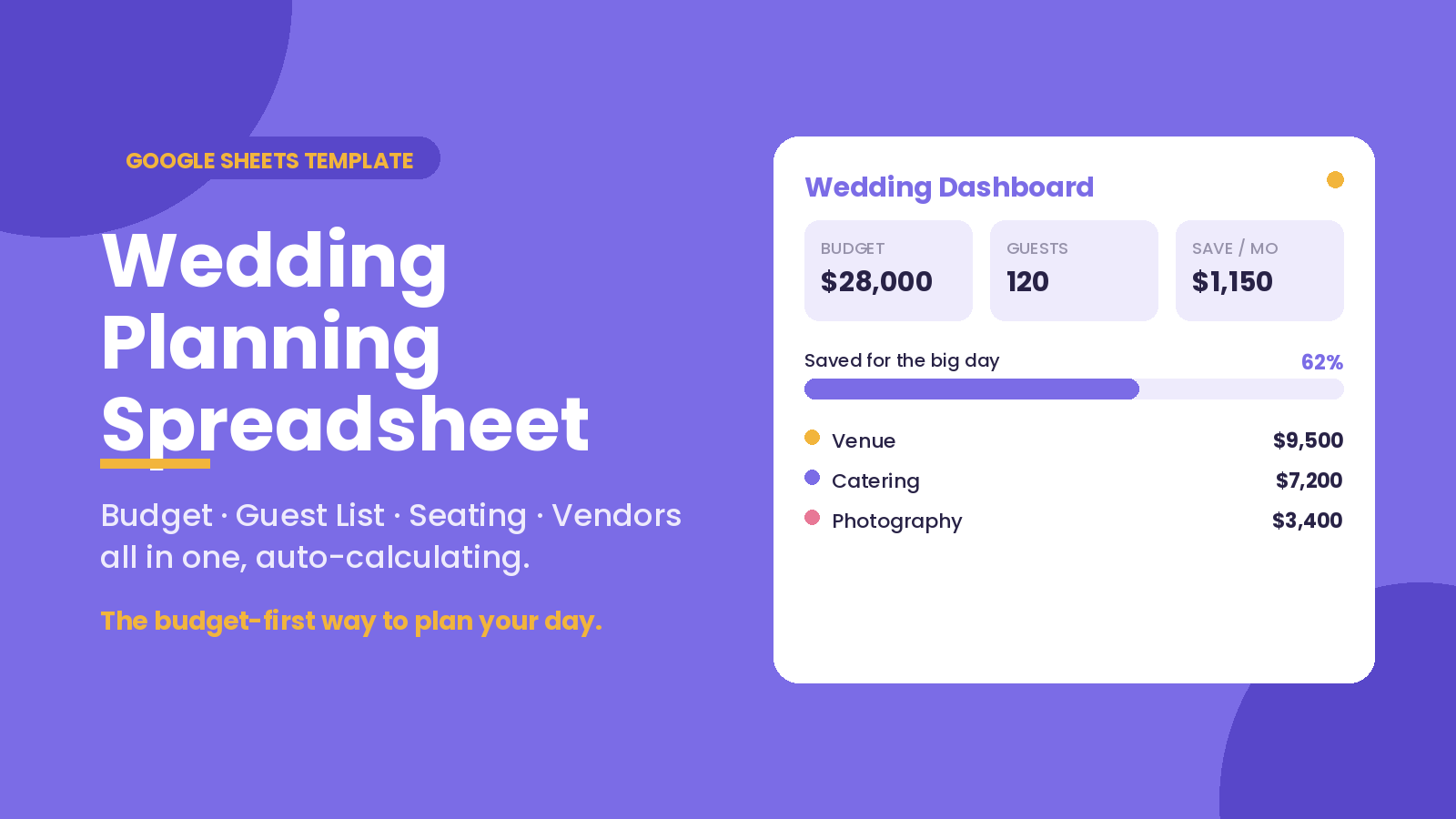
Plan your whole wedding in one Google Sheet — budget, guest list, RSVPs, seating, vendors and payments, all auto-calculating. See exactly how much to save each month and have the wedding you want without the debt.
Take a look inside
The actual product — here’s what you get.
Your whole wedding on one screen
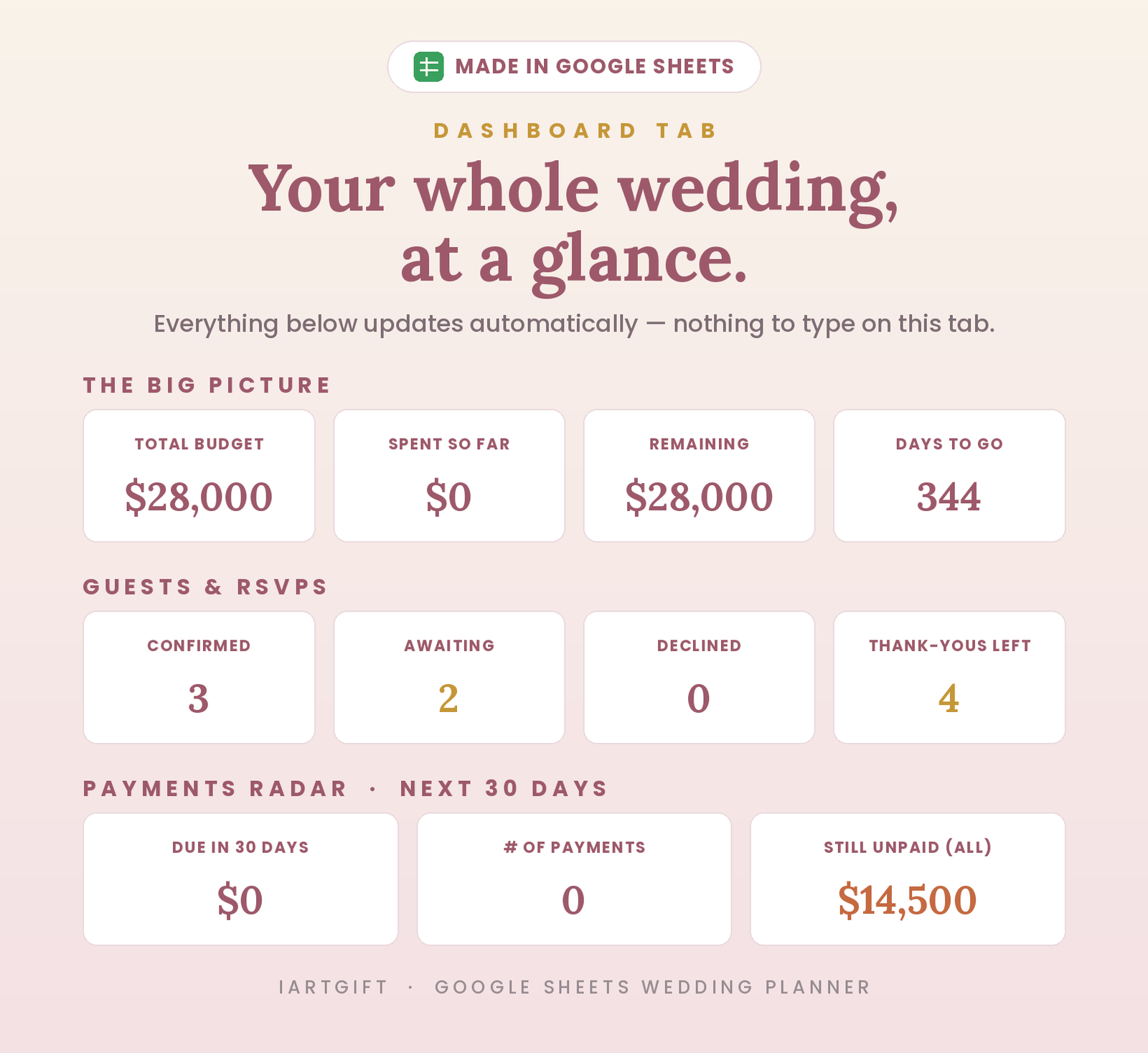
Budget, guests, deadlines and payments all roll up to a single dashboard that updates itself. You always know what’s spent, what’s left and how many days to go — nothing to type on this tab.
A budget that fills itself in
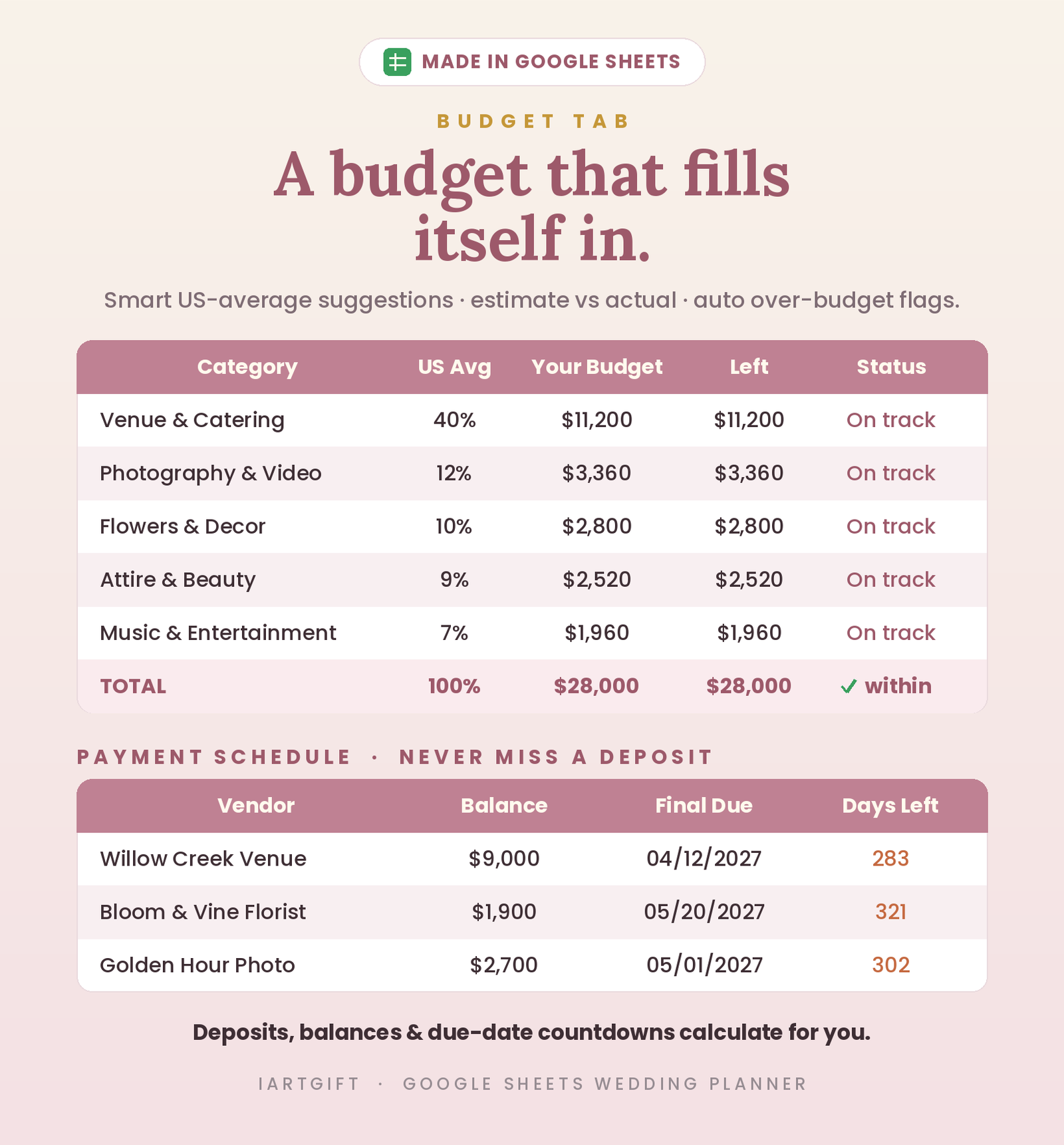
Smart US-average suggestions, estimate vs actual, and automatic over-budget flags. A monthly savings plan tells you exactly how much to set aside until the big day — plus a vendor payment schedule so you never miss a deposit.
Guests, RSVPs, meals & seating — connected
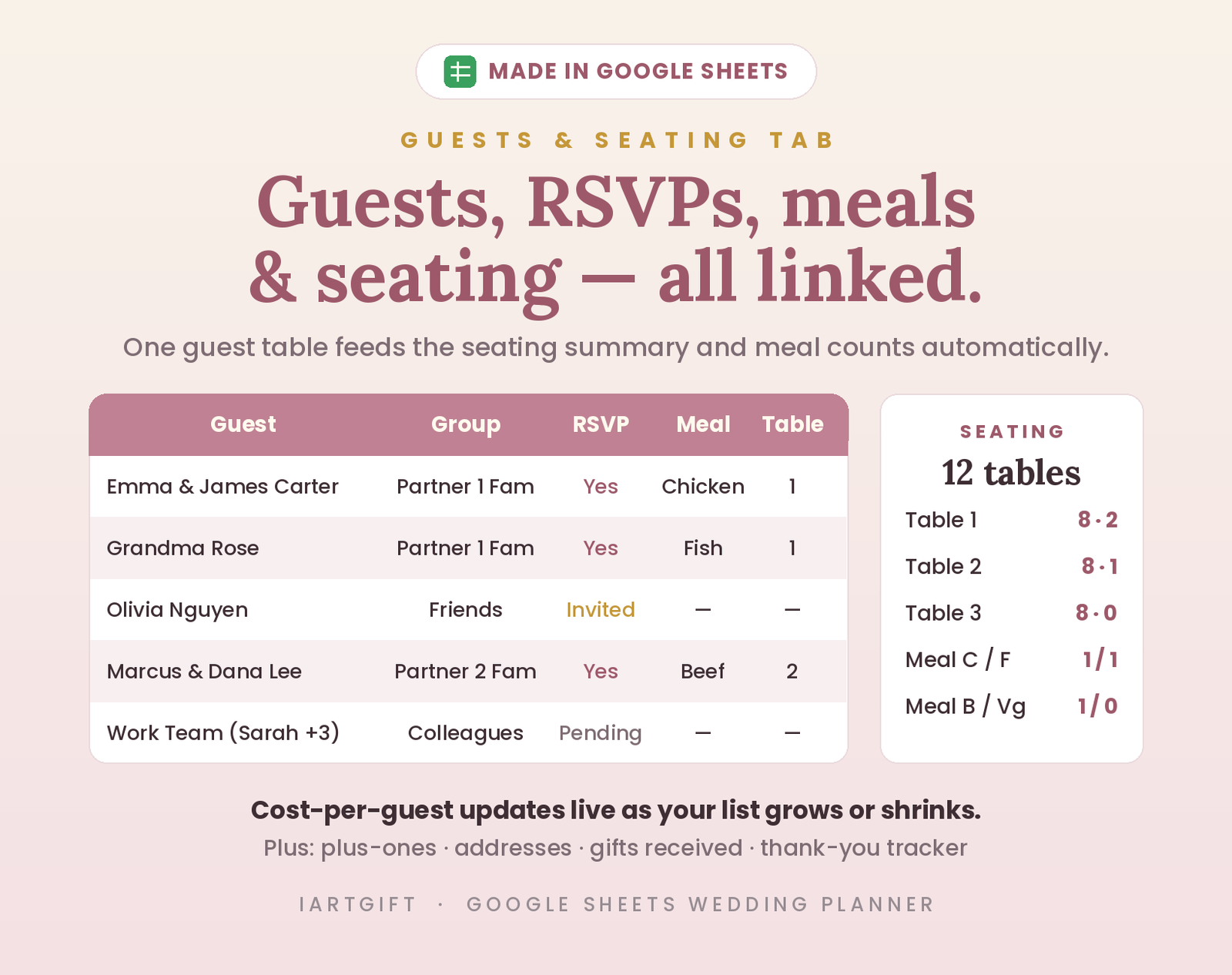
One guest list feeds your seating chart, meal counts and live cost-per-guest automatically. Change a name once and everything updates — plus-ones, addresses and thank-yous included.
What’s inside
Seven simple tabs that do the work for you — not thirty overwhelming ones.
One-tab dashboard
Your whole wedding at a glance — money, guests and deadlines, updated automatically.
Budget that calculates
Category budgets with US-average suggestions and auto over-budget flags. Just type your numbers.
Guest list & RSVPs
Track invites, RSVPs, meals, plus-ones and thank-yous — all in one place.
Seating chart, auto-linked
Build your seating from the same guest list. Meal counts total themselves.
Vendors & payments
Compare quotes, star-rate vendors, and never miss a deposit with due-date countdowns.
12-month checklist
A pre-filled timeline from “Yes!” to “I do,” plus a wedding-day run-of-show.
How it works
Buy & download
Checkout takes seconds. You instantly get a PDF with your private Google Sheets link inside.
Make a copy
Click the link and choose File ▸ Make a copy. Your own private copy saves to your Google Drive.
Add your details
Enter your date, budget and guest list — the sheet does the math. You’re planning in minutes.
Why couples love it
The little wins that make it worth every penny.
“Okay, this replaced three apps.” We had the budget in one app, the guest list in a doc and the seating chart on paper. Now it’s one tab. I didn’t realize how stressful the juggling itself was until it stopped.
“I check one number and I’m done.” Whenever we got nervous about money, we’d open the dashboard, see what was left and what to save this month, and calm right down. Honestly worth it for that alone.
“I’m not a spreadsheet person. Doesn’t matter.” You literally just type numbers into the colored boxes and everything adds itself up. I never touched a formula once.
“The deposit countdown saved us twice.” Two vendor payments almost slipped past us in the chaos of the final months. The little due-date column caught both. That’s the whole price right there.
“We planned the wedding we could actually afford.” The US-average suggestions gave us a sanity check, and the over-budget flags kept us honest. We walked away married — not in debt.
“Type the name once. That’s it.” Add a guest and the RSVP count, meal totals and seating chart all update on their own. When a cousin canceled, I changed exactly one cell.
“My fiancé actually used it too.” We shared one copy and both edited from our phones — at dinner, on the couch, whenever. No more “wait, which version is right?”
“One payment. No subscription. Still using it.” Paid once, got every update since for free. It flagged an over-budget category in week one, so it basically paid for itself.
FAQ
Do I need to be good with spreadsheets?
Not at all. Everything auto-calculates — you only ever type your own numbers into the colored cells. If you can fill in a box, you can use this.
What do I actually receive?
An instant PDF download with a link to the Google Sheet inside. You click it, choose File ▸ Make a copy, and your own private version saves to your Google Drive.
Can we plan together as a couple?
Yes. Share your copy with your partner or family in Google Sheets and you can both update it live, from anywhere — the totals stay in sync.
Does it work on my phone?
Yes. Open your copy in the free Google Sheets app and update it anywhere. It’s designed to stay readable on a small screen.
Is it a one-time payment?
Yes — pay once and it’s yours forever, including every future update. Because it’s an instant digital download, all sales are final.
Can I get a refund?
Because this is an instant digital download — you receive the full template the moment you buy — all sales are final and refunds aren’t offered. If anything about your file doesn’t work as described, send a message through our contact form and we’ll help you get it sorted.
More money templates
You might also like these.
Plan the wedding you want — on budget
Budget, guests, seating and vendors in one Google Sheet — yours in one click.